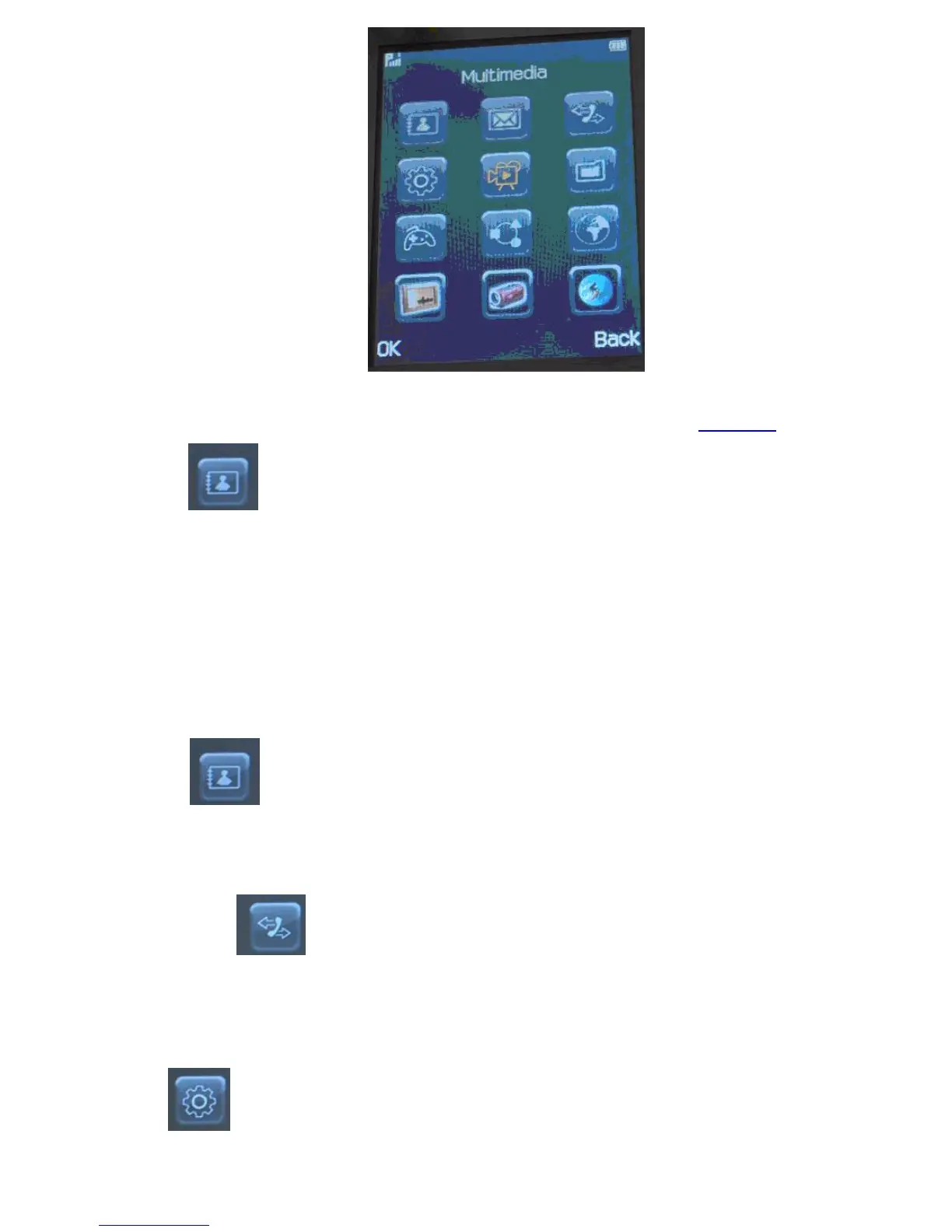
Main Menu
The main menu of your device includes such options as Contacts, SMS, Call Records, Settings, Entertainment, File Manager, Profiles, and Additional
Features and Services. From your Main Menu, select one of the categories to go into a Sub Menu which will display further options.
Below is a quick guide of the Main and Sub Menu of the phone to help you navigate faster. Alternatively, go to www.neoi.de and see the animated
full menu in the support section.
§
Phonebook
1.Quick Search
2.Search Entry
3.Add New Entry
4.Copy All
5.Delete
6.Caller Group
7.Extra Number
a.Owner number or Name
b.Service dialing number
c.SOS number
8.Settings
a.Memory Status
b.Preferred Storage
c.Fields
d.Name List Filter
e.My vCard
f.vCard Version
9.Caller Picture
10.Caller Ring Tone
§
Messaging
1.SMS
2.MMS
3.eMail (Note this a basic email client pop3 / smtp. Many Service Providers do not permit access. Please go to the Neoi Website
for the NEOI licensed Java mail client
,excellentforreadingandsendingemailsfromtheserver,withoutusingphonememory.Ifyou
do not have a suitable email account, you can obtain an email account from NEOI services , which then can copy your i.e. hotmail or
other webmail addresses into pop3 / smtp )
4.Voice Mail Server
5.Broadcast Messages
§
Call History
1.Missed Calls
2.Dialed Calls
3.Received Calls
4.Delete Call Log
5.Call Time
6.Call Cost
7.SMS / Text message Counter
8.GPRS Counter
§
Settings
Pen Calibration. For Touch screens upon first use, you MUST set up the calibration first otherwise the Touch Screen will not function
( Models 908 -909 )
User Profiles
a.General ( Settings not very loud)
b.Meeting ( all sounds muted)
c.Outdoor Recommended for all users
d.Indoor
e.Headset for wired hands free and other Devices



 To Next Page