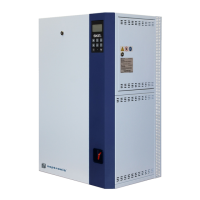
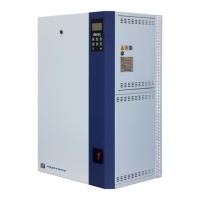
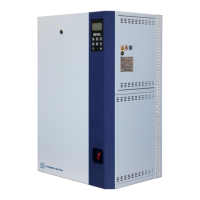
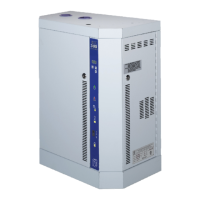
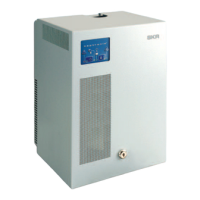
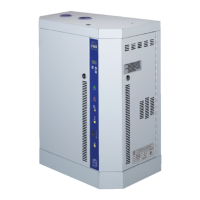
SKE4 Steam Humidifier
BACnet Communication Module User Guide
BACnet Properties Configuration
To establish communication on the network, and guarantee a unique ID of devices in a BACnet system, the following
properties may have to be configured.
Table 1 - BACnet Properties Configuration
• Set to a unique address on the network between 000 and 254.
• The value can be set manually via the menu.
• The values from 128-254 represent MS/TP non-token passing slave
devices.
• The humidifier automatically configures its device instance to 153,000 +
MAC address.
• The value can be set manually via the menu.
• The value can be set manually through the WriteProperty service to
Device Object.Object_Identifier.
• The device’s Object_Identifier is a combination of the Device
Object_Type (8) and the Device_Instance (0-4194302), therefore its
decimal or hexadecimal representation tends to be incomprehensible.
• For example, the Device_Instance=1000 has an equivalent
Object_Identifier of 0x020003E8 hexadecimal or 33555432 decimal.
• The humidifier configures its baud rate automatically by detecting the
network upon connection.
• The value can be set manually from the available values of (0) Auto, 9600,
19200, 38400, and 76800.
• Configure Max_Master value to increase network efficiency when there are
less than 127 devices on the network.
• The Max_Master value can be changed through the WriteProperty service
to Device Object.Max_Master.
For more information, refer to the MAC Address and Max_Master section.
Device Object.Object_Name
• Configure the name of the device through the WriteProperty service to
Device Object.Object_Name. For example, SKE4.


 To Next Page