EasyManua.ls Logo

Ness IQ - Screen Icon

Ness IQ
61 pages
Print Icon
To Next Page IconTo Next Page
To Previous Page IconTo Previous Page
Loading...
Digital Video Recorder for Ness IQ-
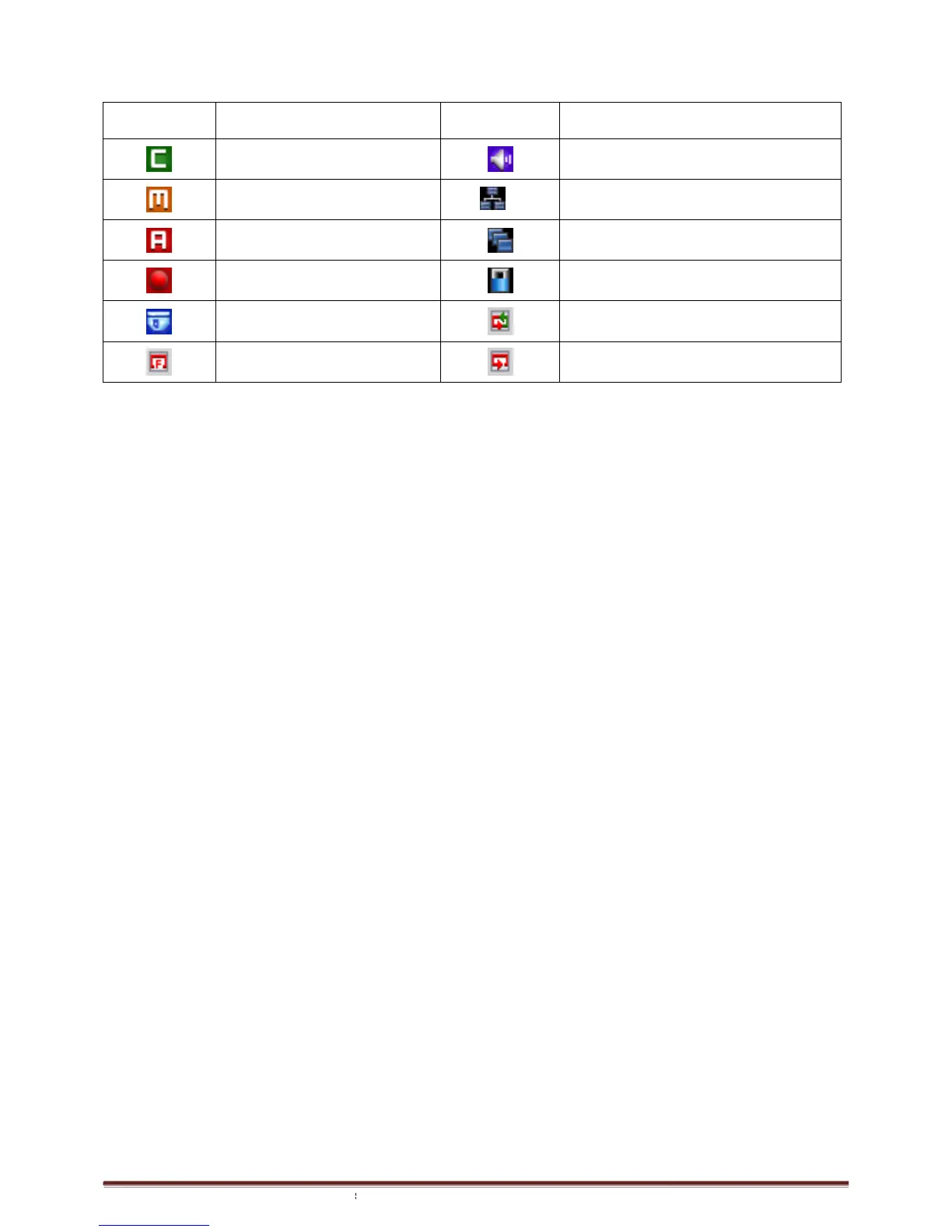
2.6 Screen Icon
Icon
Description
Continuous recording mode
Event recording mode
(Motion)
Event recording mode
(Alarm In)
In recording
PTZ registration / PTZ mode
Setup in HDD No Overwrite mode
(HDD Full)
Series
960H & SDI DVR
Description
Icon
Description
Continuous recording mode
In Audio recording
16
CMS access indication/ No. of accesses
(up to 16)
In channel sequencing
Lock
PTZ registration / PTZ mode
Setup in HDD Overwrite mode
Setup in HDD No Overwrite mode


(recording)
Page
18
Description
In Audio recording
CMS access indication/ No. of accesses
In channel sequencing
Setup in HDD Overwrite mode
Setup in HDD No Overwrite mode

Related product manuals