Digital Video Recorder for Ness IQ-
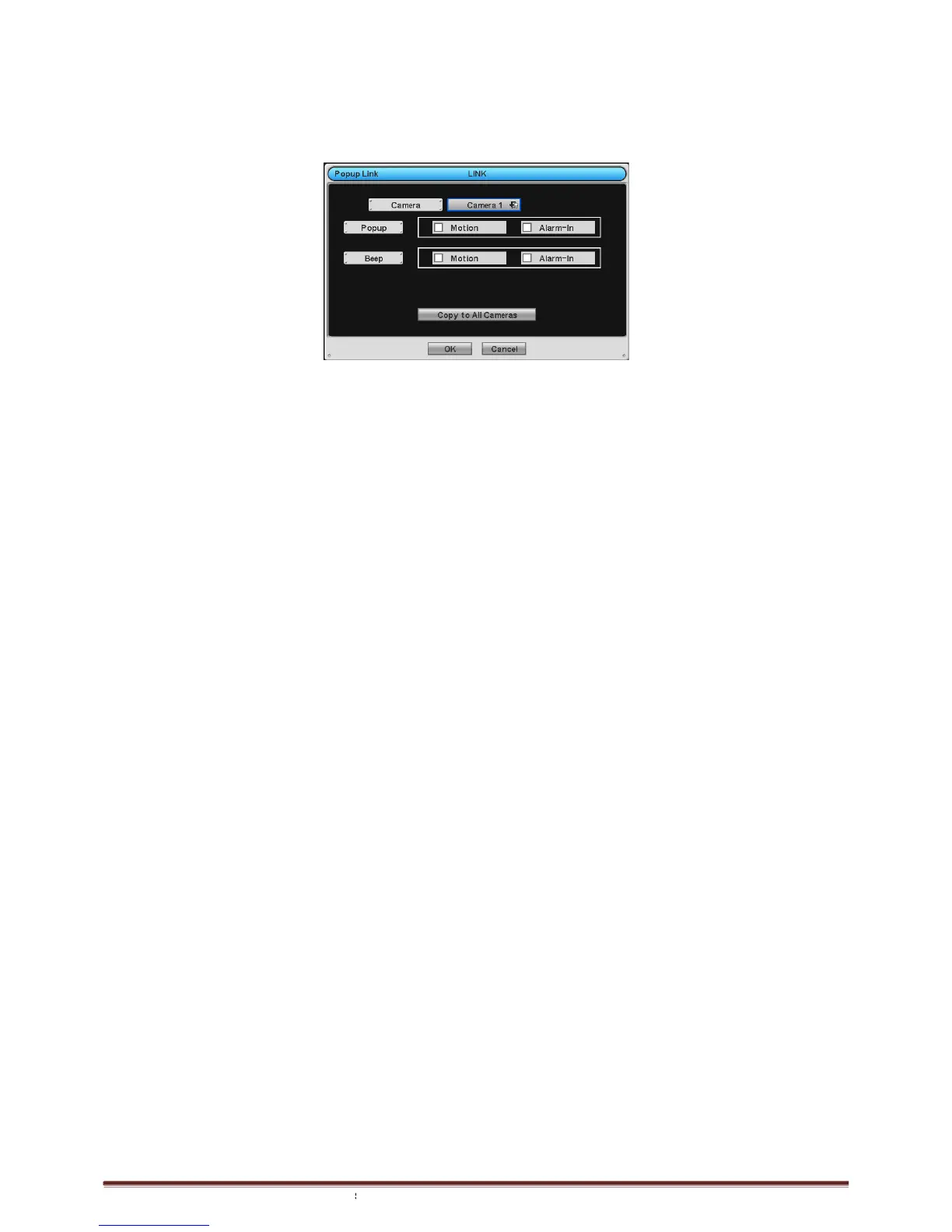
3.6.6 Popup Link
Please click (
)
LINK>Popup Link and the following screen will appear.
In is detected, user can select a popup or beep sound
interest to pop-up on Spot Screen.
Please follow the setup procedures below.
① Select camera
② Popup: Please Check
Click Copy to All Cameras button, then the present channel setup will apply to all other cameras.
Choose ‘OK’ to confirm the setting.
LINK>Popup Link and the following screen will appear.
In is detected, user can select a popup or beep sound
for warning, or have a particular channel of
Please follow the setup procedures below.
making the popup screen for main monitor.
Click Copy to All Cameras button, then the present channel setup will apply to all other cameras.
for warning, or have a particular channel of
Click Copy to All Cameras button, then the present channel setup will apply to all other cameras.



 To Next Page