NESS R8 CONTROL PANEL - USER MANUAL
27
HOW TO SEND THE LEARN MESSAGE - PORTABLE TRANSMITTERS
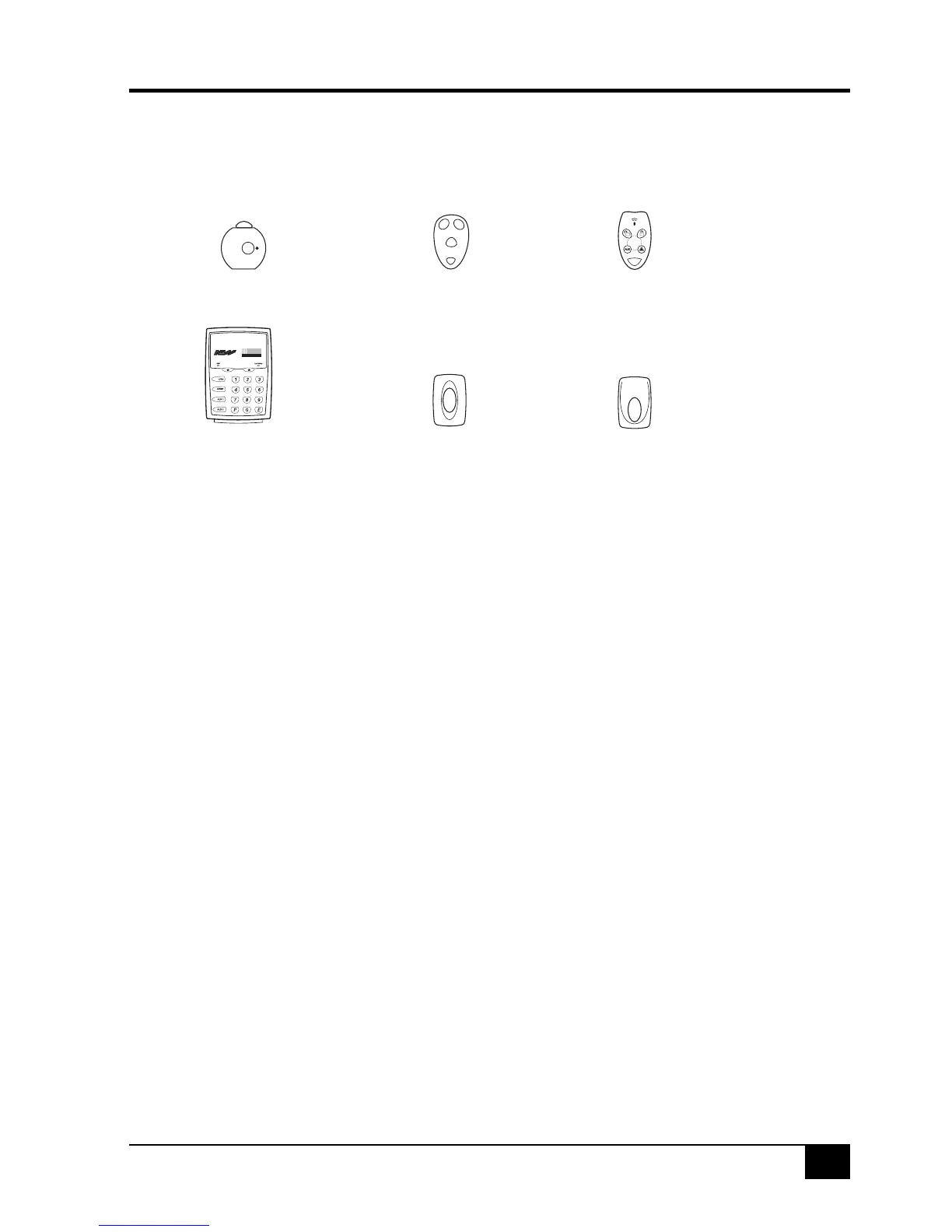
This table shows the method for sending the programming ‘Learn’ message for compatible ness
transmitters.
PROGRAMMING - RADIO KEYS
EXTRA OPTIONS FOR RADIO CODES
Each User Slot has five Extra Options which control the behaviour of Radio Keys and the Radio
Doorbell transmitter.
The Extra Options are:
1E, Panic: The Panic Button will trigger the Panic alarm. (default).
2E, Duress: The Panic Button will trigger the Duress alarm.
3E, Medical: The Panic Button will trigger the Medical alarm.
4E, Ignore Panic: Disables Panic Button on radio keys.
5E, Doorbell: The Panic Button will sound the R8 doorbell feature.
Each User Slot is defaulted for Extra Option 1E, trigger Panic.
The Extra option for a user code slot can be programmed after a radio key has been programmed
to that slot.
PROGRAMMING SEQUENCE FOR EXTRA OPTIONS
1. Press: P [User Slot option number 12-25] E
• If a Radio Key is programmed to the User Slot, the RADIO icon will be on. Icons 1–5 show which
Extra Option is currently selected.
2. Press: [1–5] E
• This selects a new Extra Option.
EXAMPLE
When programming a Radio Doorbell, the User Slot must be set for ‘Doorbell’ or the Panic alarm
will be triggered when the doorbell is pressed.
In this example, a Radio Doorbell has been programmed to User Slot 15. To program the Extra
Option for User Slot 15, in program mode, press: P25E 5E
RKP
RADIO KEYPAD
100-001
RKP
Radio Keypad
Insert the battery or consult
the Radio Keypad manual.
100-283
RPB Radio
Panic Button
Press and hold for
8 seconds.
100-056
RDB
Radio Door Bell
Press and hold for
8 seconds.
100-665
RK1
Radio Pendant
Press button three times.
OFF
ON
PANIC
100-664
RK3
Radio Key
Press and hold PANIC
for 8 seconds.
100-067
RK4
Radio Key
Press and hold PANIC
for 8 seconds.



 To Next Page