EasyManua.ls Logo

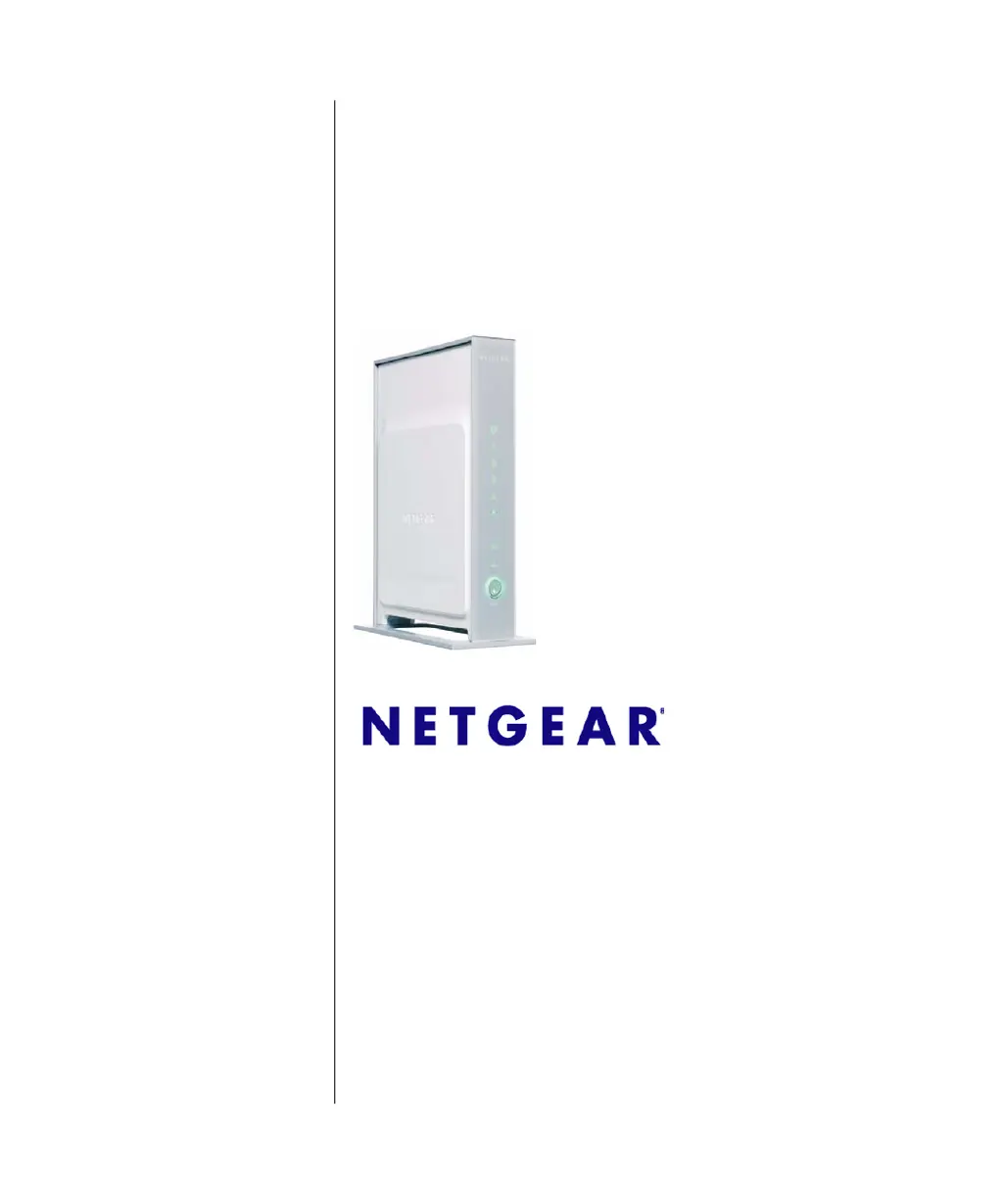
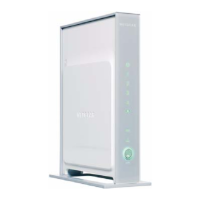
NETGEAR DG834N - User Manual

NETGEAR DG834N
114 pages
Print Icon
To Next Page IconTo Next Page
Loading...
202-10394-01
April 2008
NETGEAR, Inc.
4500 Great America Parkway
Santa Clara, CA 95054 USA
DG834N RangeMax NEXT
Wireless ADSL2+ Modem
Router Reference Manual

Table of Contents

Questions and Answers

  • J
    jonathansanchezAug 19, 2025
    What to do if my computer can't load web pages using NETGEAR DG834N Network Router?
    • K
      Karen LawrenceAug 19, 2025
      If your computer is unable to load any web pages from the Internet when connected to your NETGEAR Network Router, it might not recognize any DNS server addresses. Verify the DNS address as described in the online document that you can access from “Preparing Your Network” in Appendix B. You may also try rebooting the computer and verifying the modem router address.
  • J
    joyce96Aug 26, 2025
    Why am I not receiving replies from a remote device through my NETGEAR DG834N Network Router?
    • D
      Daniel ThomasAug 26, 2025
      If the path from your PC to a remote device does not receive replies when using your NETGEAR Network Router, check that your PC has the IP address of your router listed as the default modem router. Also, ensure that the network address of your PC is different from the network address of the remote device. Verify that your cable or DSL modem is connected and functioning. If your ISP assigned a host name to your PC, enter that host name as the account name in the Basic Settings screen. If your ISP is rejecting the Ethernet MAC addresses, configure your router to “clone” or “spoof” the MAC address from the authorized PC.
  • B
    Beth CooperSep 3, 2025
    How to fix a non-functioning path to NETGEAR Network Router?
    • J
      Jesus WilliamsSep 3, 2025
      If the path to your NETGEAR Network Router is not functioning correctly, ensure that the LAN port LED is on, indicating a proper physical connection. Verify that the Ethernet card driver software and TCP/IP software are both installed and configured correctly. Also, make sure that the IP address for your router and your workstation are correct and that the addresses are on the same subnet.
  • A
    Anne JacksonNov 9, 2025
    Why is my NETGEAR Network Router not connecting to the internet?
    • D
      Dawn LoveNov 10, 2025
      If your NETGEAR Network Router is unable to access the internet, several factors could be the cause. First, check the ADSL connection. If the Internet LED is blinking amber, disconnect all telephones on the line, then reconnect them one at a time, ensuring a microfilter is used on each telephone. If the Internet LED is off, disconnect all telephones. Verify the telephone company has connected and tested your line and that you are connected to the correct line. Also, make sure your login details are correct, as an incorrect service name, user name, or password may block the ISP connection. If your ISP allows only one Ethernet MAC address, inform them that you have a new network device and ask them to use the router’s MAC address. Alternatively, configure your router to spoof your computer’s...

NETGEAR DG834N Specifications

General IconGeneral
BrandNETGEAR
ModelDG834N
CategoryNetwork Router
LanguageEnglish

Related product manuals