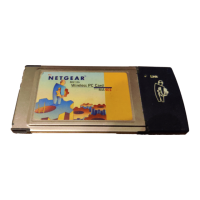
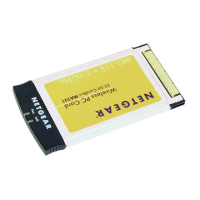
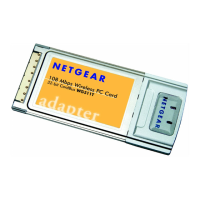
Reference Guide for the Model MA401 802.11b Wireless PC Card
Protecting Your Wireless Connection 3-5
3. Check the Create with Passphrase radio button and enter the passphrase from
the configuration worksheet your filled out in the procedure above. When you
click the Apply button, the configuration manager utility will automatically
generate the WEP keys.
Note: The characters are case sensitive. Be sure to use the same passphrase
when configuring the other wireless devices that will communicate with this
wireless pc card.
4. Click Apply then OK for the changes to take effect.
MA401.book Page 5 Tuesday, October 8, 2002 4:08 PM



 To Next Page