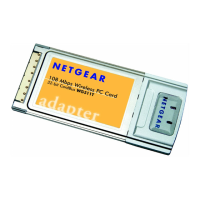
Installation Guide for the Model MA401 802.11b Wireless PC Card
C-16 Preparing Your PCs for Network Access
Verifying TCP/IP Properties for Windows XP, 2000, and
NT4
To check your PC’s TCP/IP configuration:
1. On the Windows taskbar, click the Start button, and then click Run.
The Run window opens.
2. Type cmd and then click OK.
A command window opens
3. Type ipconfig /all
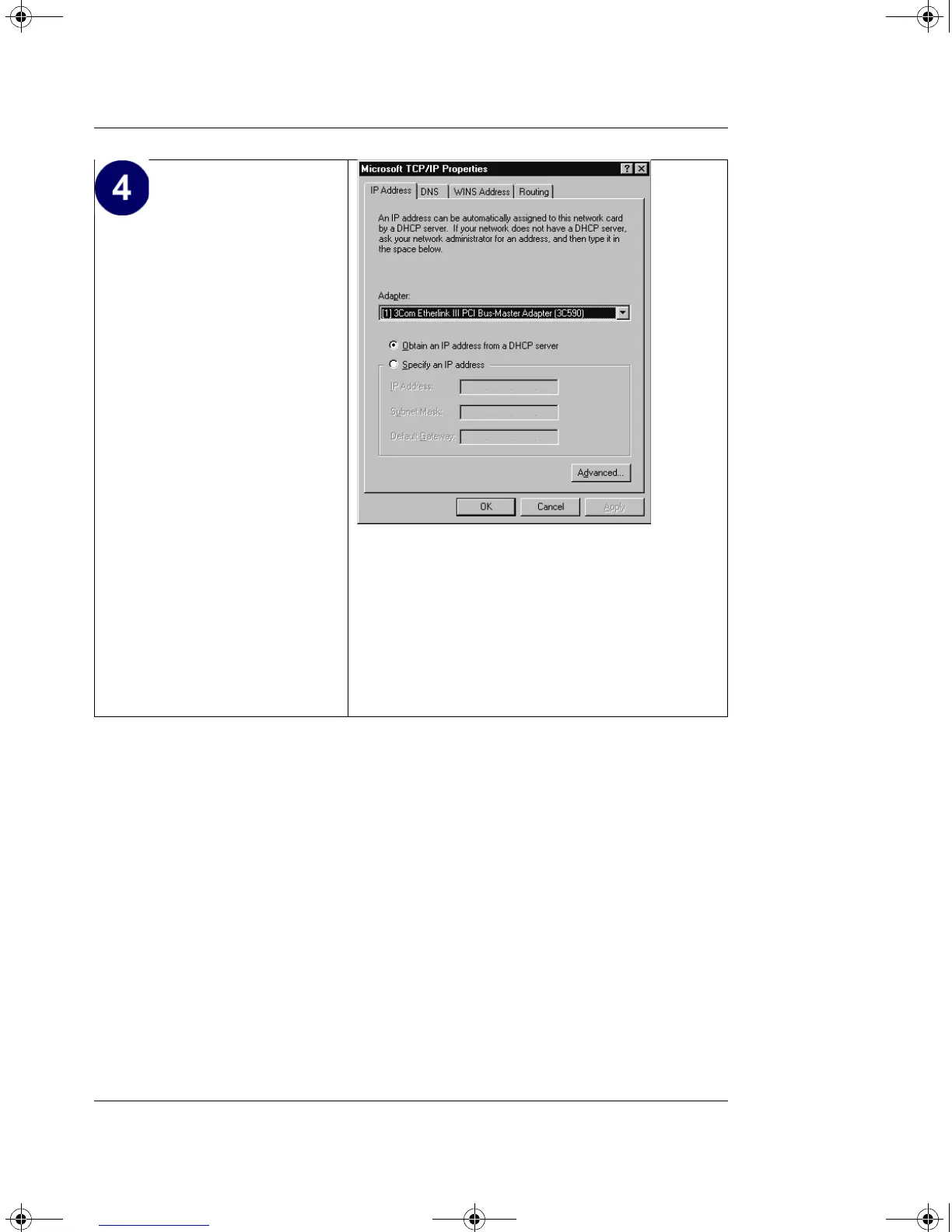
•The TCP/IP Properties
dialog box now displays.
•Click the IP Address tab.
• Select the radio button
marked Obtain an IP
address from a DHCP
server.
•Click OK. This
completes the
configuration of TCP/IP
in Windows NT.
Restart the PC.
Repeat these steps for each
PC with this version of
Windows on your network.
MA401.book Page 16 Tuesday, October 8, 2002 4:08 PM



 To Next Page