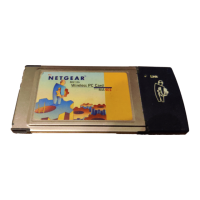
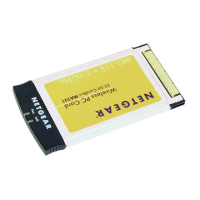
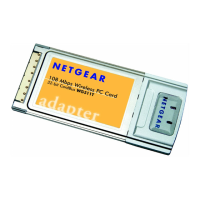
Installation Guide for the Model MA401 802.11b Wireless PC Card
Preparing Your PCs for Network Access C-3
c. Select Microsoft.
d. Select TCP/IP, and then click OK.
If you need to add the Client for Microsoft Networks:
a. Click the Add button.
b. Select Client, and then click Add.
c. Select Microsoft.
d. Select Client for Microsoft Networks, and then click OK.
If you need to add File and Print Sharing for Microsoft Networks:
a. Click the Add button.
b. Select Client, and then click Add.
c. Select Microsoft.
d. Select File and Print Sharing for Microsoft Networks, and then click OK.
3. Restart your PC for the changes to take effect.
Enabling DHCP to Automatically Configure TCP/IP
Settings in Windows 95B, 98, and ME
After the TCP/IP protocol components are installed, each PC must be assigned
specific information about itself and resources that are available on its network.
The simplest way to configure this information is to allow the PC to obtain the
information from a DHCP server in the network.
You will find there are many similarities in the procedures for different
Windows systems when using DHCP to configure TCP/IP.
The following steps will walk you through the configuration process for
each of these versions of Windows.
MA401.book Page 3 Tuesday, October 8, 2002 4:08 PM



 To Next Page