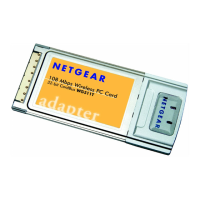
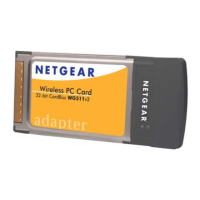
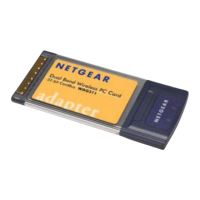
Installation Guide for the Model MA401 802.11b Wireless PC Card
Preparing Your PCs for Network Access C-13
DHCP Configuration of TCP/IP in Windows NT4
Once you have installed the network card, you need to configure the TCP/IP
environment for Windows NT 4.0. Again, remember Cox only sets up TCP/IP
dynamically (i.e., it uses DHCP to obtain TCP/IP settings).
Following are the procedures you use to configure TCP/IP with DHCP in
Windows NT 4.0.
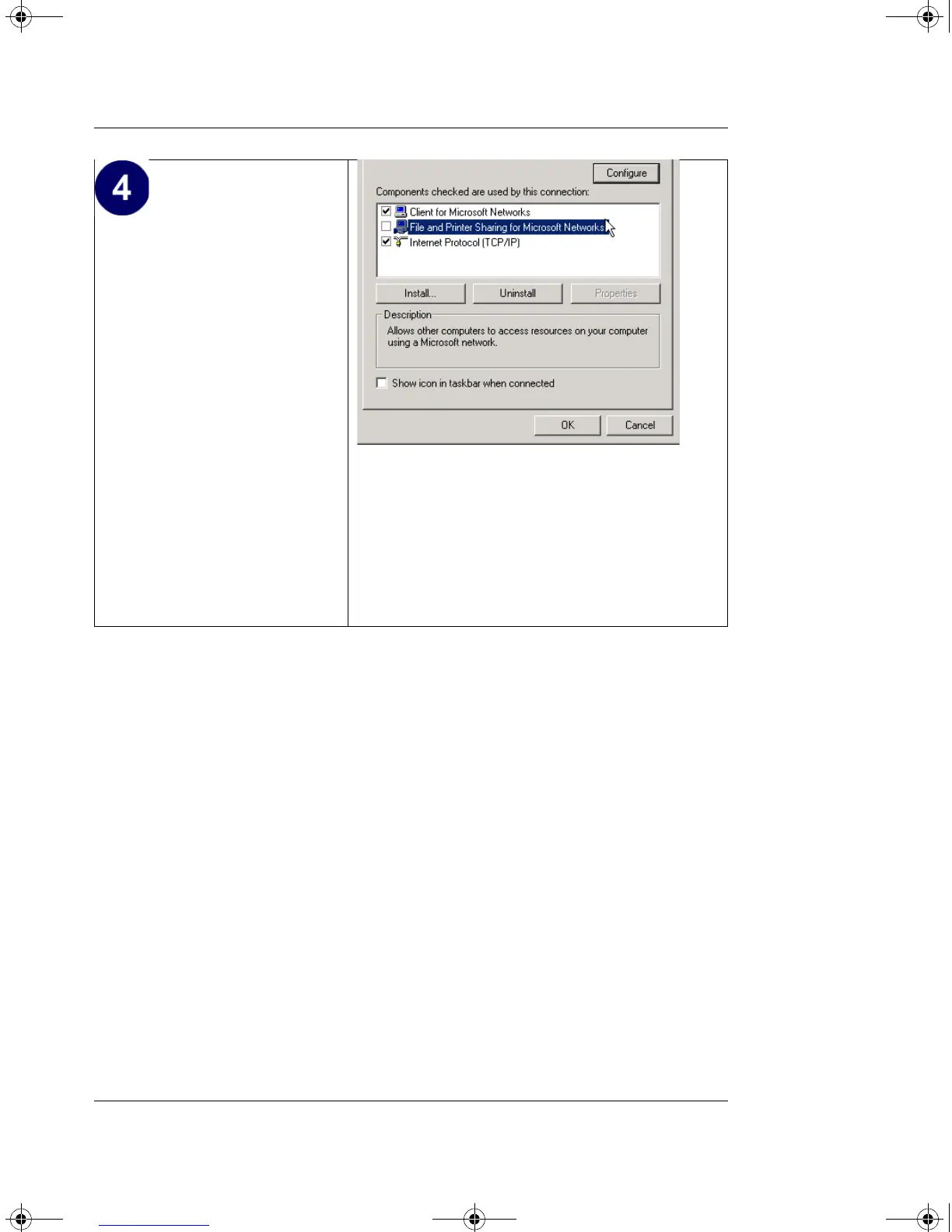
•Click OK again to
complete the
configuration process for
Windows 2000.
Restart the PC.
Repeat these steps for each
PC with this version of
Windows on your network.
MA401.book Page 13 Tuesday, October 8, 2002 4:08 PM



 To Next Page