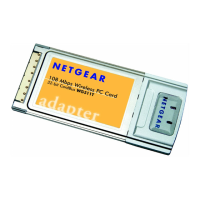
Installation Guide for the Model MA401 802.11b Wireless PC Card
C-2 Preparing Your PCs for Network Access
Install or Verify Windows Networking Components
To install or verify the necessary components for IP networking:
1. On the Windows taskbar, click the Start button, point to Settings, and then
click Control Panel.
2. Double-click the Network icon.
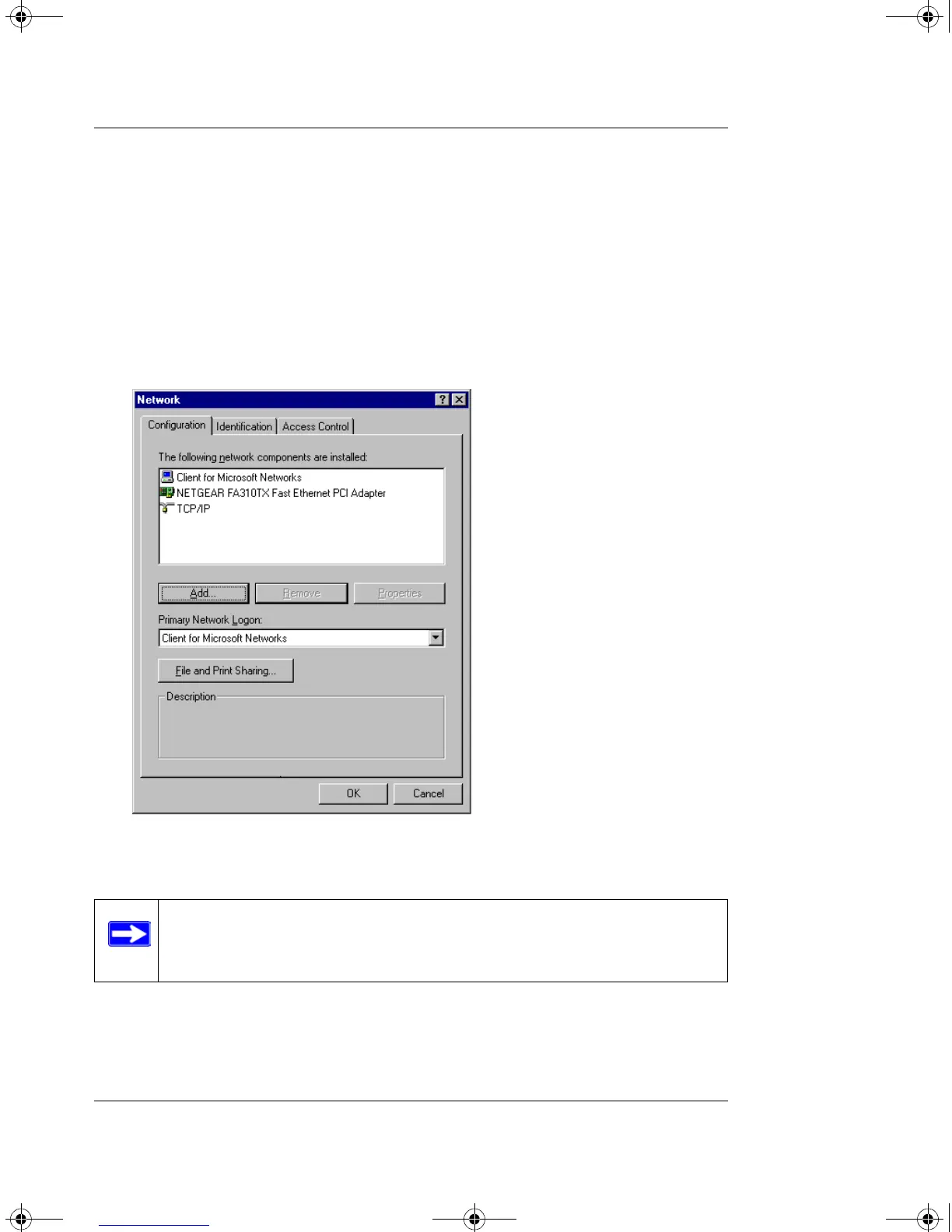
The Network window opens, which displays a list of installed components:
You must have an Ethernet adapter or an MA401, the TCP/IP protocol, and
the Client for Microsoft Networks.
If you need to add TCP/IP:
a. Click the Add button.
b. Select Protocol, and then click Add.
Note: It is not necessary to remove any other network components
shown in the Network window in order to install the adapter, TCP/IP, or
Client for Microsoft Networks.
MA401.book Page 2 Tuesday, October 8, 2002 4:08 PM



 To Next Page