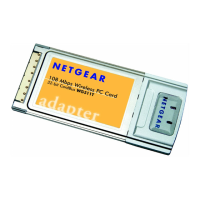
Installation Guide for the Model MA401 802.11b Wireless PC Card
C-10 Preparing Your PCs for Network Access
DHCP Configuration of TCP/IP in Windows 2000
Once again, after you have installed the network card, TCP/IP for Windows 2000
is configured. TCP/IP should be added by default and set to DHCP without your
having to configure it. However, if there are problems, you may need to know
how to do it manually. Remember, Cox only sets up TCP/IP dynamically, (i.e., it
uses DHCP to obtain TCP/IP settings). Following are the steps to configure TCP/
IP with DHCP for Windows 2000.
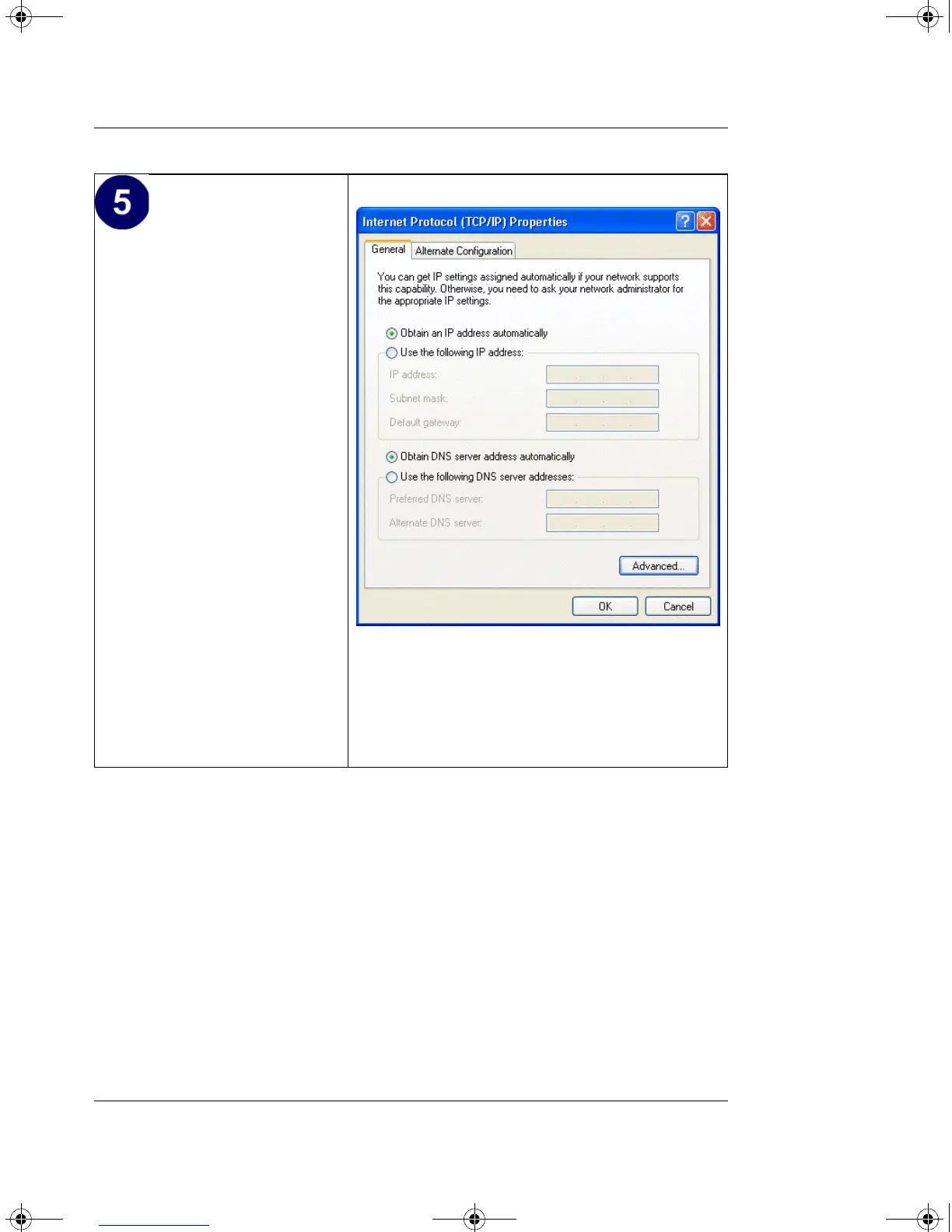
• Verify that Obtain an IP
address automatically
radio button is selected.
• Verify that Obtain DNS
server address
automatically radio
button is selected.
•Click the OK button.
This completes the DHCP
configuration of TCP/IP in
Windows XP.
Repeat these steps for each
PC with this version of
Windows on your network.
MA401.book Page 10 Tuesday, October 8, 2002 4:08 PM



 To Next Page