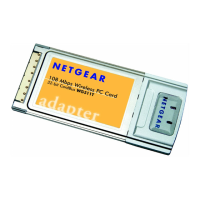
Installation Guide for the Model MA401 802.11b Wireless PC Card
Preparing Your PCs for Network Access C-11
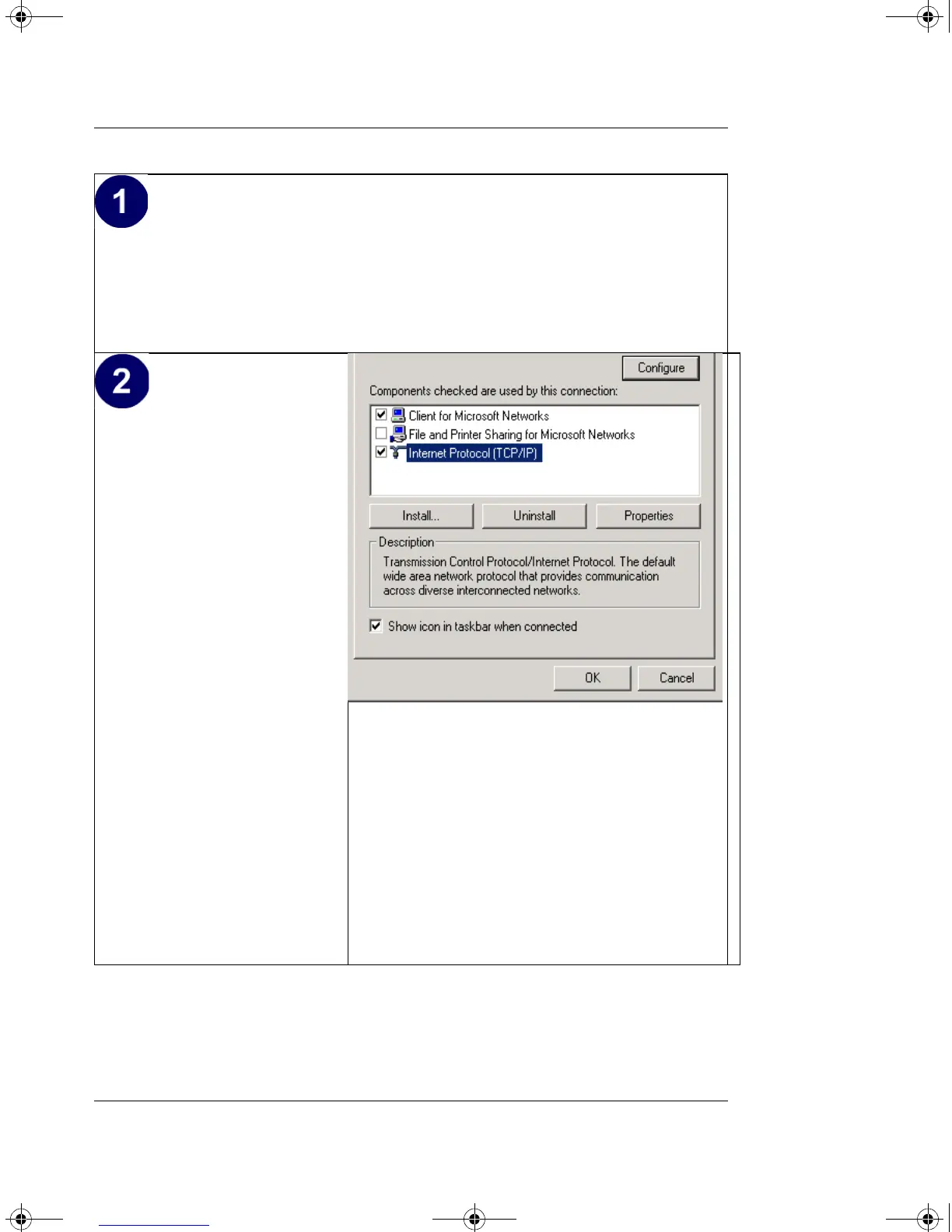
• Click on the My Network Places icon on the Windows desktop. This will
bring up a window called Network and Dial-up Connections.
• Right click on Local Area Connection and select Properties.
•The Local Area
Connection Properties
dialog box appears.
• Verify that you have the
correct Ethernet card
selected in the Connect
using: box.
• Verify that at least the
following two items are
displayed and selected in
the box of “Components
checked are used by this
connection:”
• Client for Microsoft
Networks and
• Internet Protocol
(TCP/IP)
•Click OK.
MA401.book Page 11 Tuesday, October 8, 2002 4:08 PM



 To Next Page