6
3. Installation
Before using the device for the first time, check whether the power supply voltage setting is 90-250 V AC.
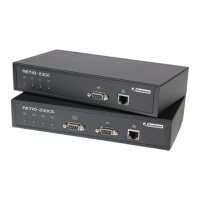
3.1. Connection of the device
1. Connect the NETIO-230C/CS to the network (switches, router) using the network cable with the RJ-45
connectors.
2. Connect the NETIO power supply cable to the plug.
3. Connect the device, which you want to control to the appropriate output.
4. Switch on the NETIO-230C/CS using the switch on the back of the device.


 To Next Page
