ADSL2+ Modem Router User Manual
75
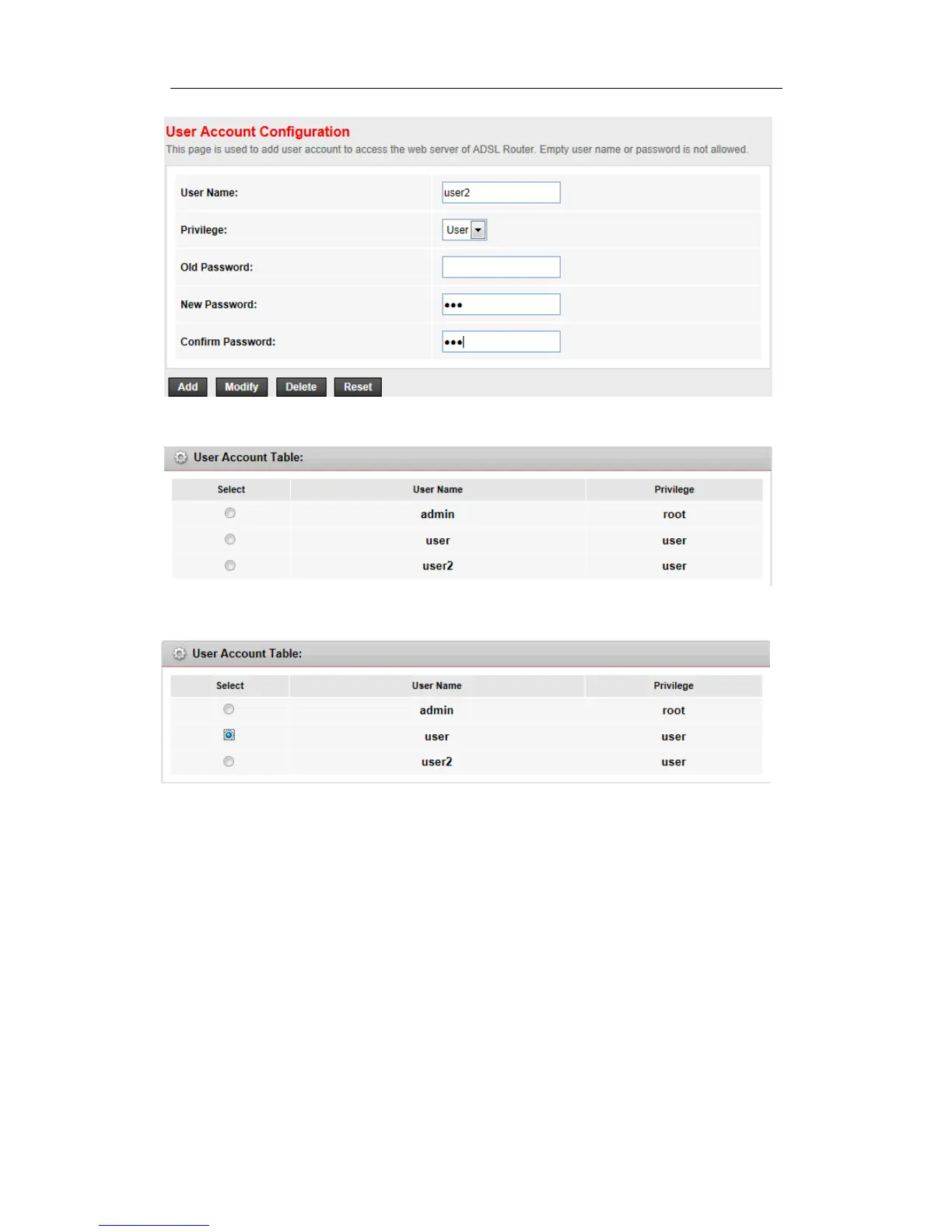
Step 2: Click Add button to create a user account
To change a password of a account:
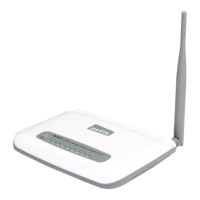
Step 1: Choose a account which you want to change the password.
Step 2: Fill up the Old password, New password and Confirm password , then click
Modify button to save it.



 To Next Page