Capturing a Screenshot
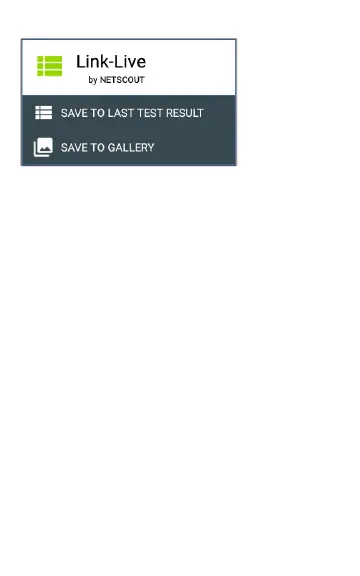
On the LinkRunner G2, press and hold the Power
button and the Volume Down button at the same
time for one second to capture a screenshot. The
LinkRunner G2 emits a beep and displays the
captured screenshot notification when it is
successful.
32
Home Screen and Android Interface



 To Next Page