Floating Action Button
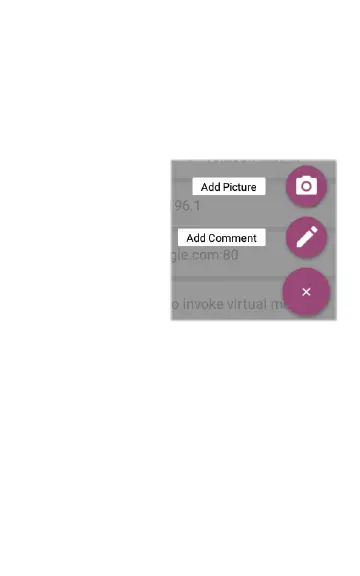
The Floating Action Button or FAB appears on
many of the Android and LinkRunner G2
application screens. It offers additional actions
related to the current screen or test.
For example, the
AutoTest FAB allows
you to add a picture or
a comment to the last
AutoTest results.
Tap or click the FAB
once to view the
additional options
available. Then, touch
the pop-up button for the action you want to
perform.
59
LinkRunner G2 Tests and Results



 To Next Page