Managing Files
LinkRunner G2 supports several methods for
managing files, consistent with other Android
devices. Images, documents, applications, and
other files live in a folder hierarchy, where you can
copy, move, and paste them between folders or
to external storage locations.
See also Swiping and Navigation
File Manager Application
The File Manager app allows you to access the files
saved on your LR G2. Touch the icon at the
bottom of the Home Screen to open the File
Manager.
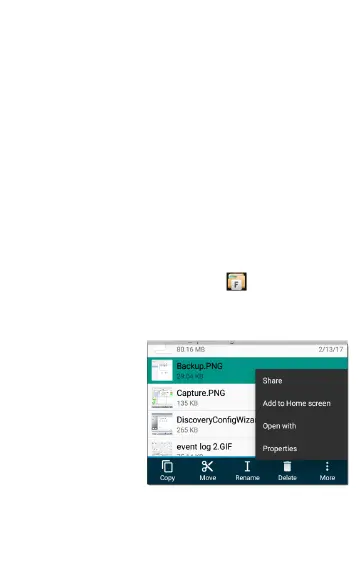
Touch a folder or
file in the File
Manager to open it.
Long press on
folders or files in
the File Manager to
view additional file
management
operations.
71
Software Management



 To Next Page