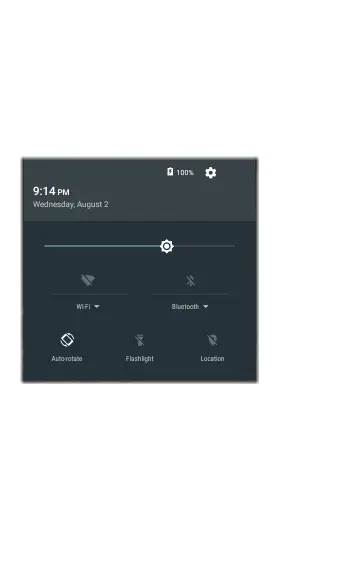
Quick Settings Panel
The Quick Settings Panel is also accessed by
swiping down from the top of the screen. You can
either swipe down twice, or touch the dark grey
top portion of the navigation panel to open it.
Figure 6: Quick Settings Panel
Touch an icon in the panel to enable or disable the
corresponding feature. See Wi-Fi Bluetooth USB
Adapter for more information on using the
optional Wi-Fi and Bluetooth adapter accessory.
29
Home Screen and Android Interface



 To Next Page