Wi-Fi Bluetooth USB Adapter
A Wi-Fi Bluetooth 4.0 USB Adapter for LinkRunner
G2 is available for purchase. You can use it to
connect to networks wirelessly for browsing the
internet, transferring files, using email, and
running applications.
Plug the USB Adapter into the USB port on the
top of your LinkRunner G2.
Connecting to Wi-Fi or Bluetooth
1. On the LR G2 screen, swipe down from the
top of the screen twice to open the
Quick Settings Panel.
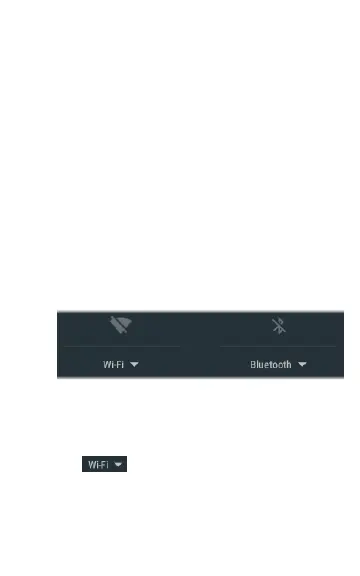
2. At any time, tap the icons above Wi-Fi or
Bluetooth to quickly enable or disable Wi-Fi
or Bluetooth capability.
3. Tap to open the list of available Wi-Fi
networks.
4. Touch a network's name to connect to it.
84
Additional Features



 To Next Page