Sharing
LinkRunner G2 allows you to "share" images and
files like you would on a cellular phone. When you
see the Share icon touch it to view your
configured sharing options.
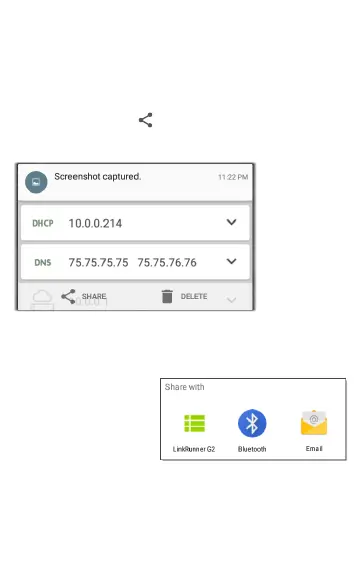
This
example
shows a
captured
screenshot
notification.
Touching
SHARE opens the Share with pop-up dialog,
where you can chose a sharing method.
NOTE: Touch the
LinkRunner G2
option to share to
Link-Live Cloud
Service or to save to
your images gallery on the LinkRunner G2.
31
Home Screen and Android Interface



 To Next Page