Configuring Test Settings
The LinkRunner G2 settings allow you to
customize test settings for PoE, Speed/Duplex,
Security, IP configuration, test targets, and other
aspects of AutoTest, Switch Test, and Cable Test.
To configure testing for your network, touch the
navigation menu icon at the top left of the
LinkRunner G2 application screen, and then touch
the option.
Saving and Loading Profile Settings
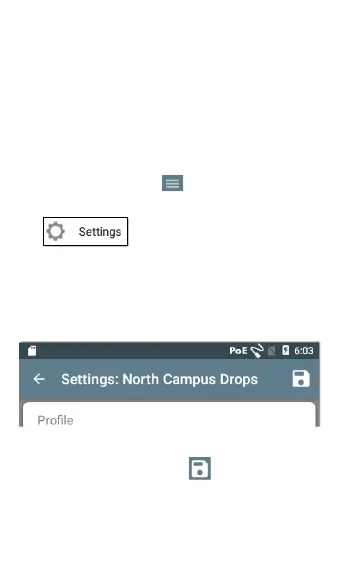
The header on the Settings screen displays the
name of the current Profile.
To save your settings to a Profile (and view other
options), tap the save icon at the top right of
the Settings screen.
35
LinkRunner G2 Application Settings



 To Next Page