Profiles and Jobs
A Profile is a saved configuration of test settings.
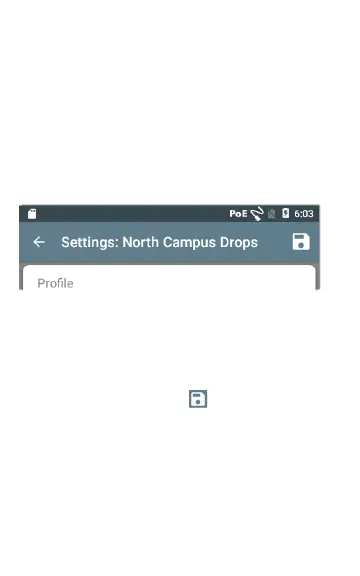
The currently active Profile's name is displayed in
the Left-Side Navigation Drawer and at the top of
the Settings screen, as shown below.
The header on the Settings screen displays the
name of the current Profile.
An asterisk * next to the Profile name indicates
that you have adjusted settings since the Profile
was last saved.
To save your settings to a Profile (and view other
options), tap the save icon at the top right of
the Settings screen.
Profile saving options include the following:
l Save saves the current settings to the cur-
rently loaded profile.
41
LinkRunner G2 Application Settings



 To Next Page