Tap the action overflow icon where ever it
appears in the File Manager to see even more
actions, such as to create a new folder or add a file
to the Home Screen.
Using a Micro-SD Card
1. To use a Micro-SD card for storage, insert it
into the Micro-SD card slot on the right side
of your LinkRunner G2. A Micro-SD card
icon appears in the notification bar at the
top of the LR G2 screen.
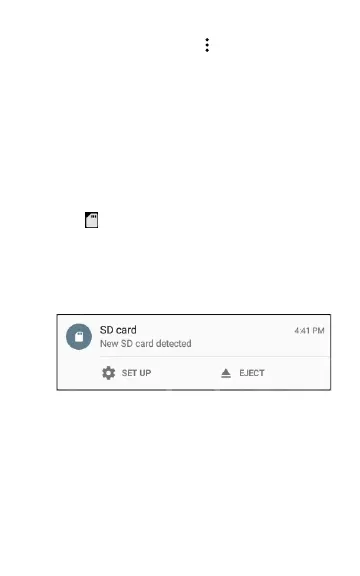
2. On the LR G2 screen, pull down theTop Noti-
fication Panel to reveal the "New SD card
detected" notification.
3. Touch Set Up.
4. On the Set up your SD card screen, select
Use as portable storage to use the Micro-
SD card for transferring files to and from
your LinkRunner G2.
72
Software Management



 To Next Page