Jobs
Jobs are comments that are added to the test
results uploaded to Link-Live Cloud Service. They
help you organize test results.
To save a Job comment, touch the navigation
menu icon at the top left of the LinkRunner G2
application screen, and then touch the Job field to
open a dialog box and the pop-up keyboard.
Touch OK to save the new Job comment.
If the Job saved on your LinkRunner G2 unit
matches a named folder in your Link-Live
organization, the test
results are automatically
sorted into that folder.
If you want to create a
new folder in Link-Live
and save your test
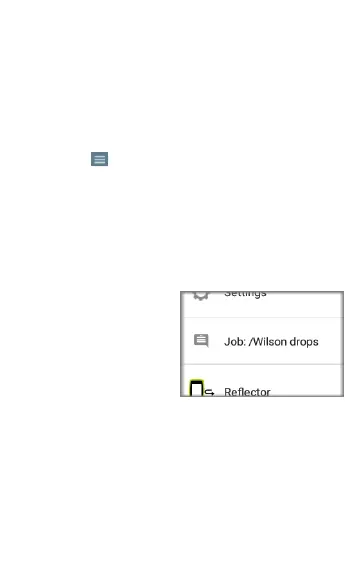
results to it, simply add a forward slash / at the
beginning of the Job name, as shown in the image
on this page.
43
LinkRunner G2 Application Settings



 To Next Page