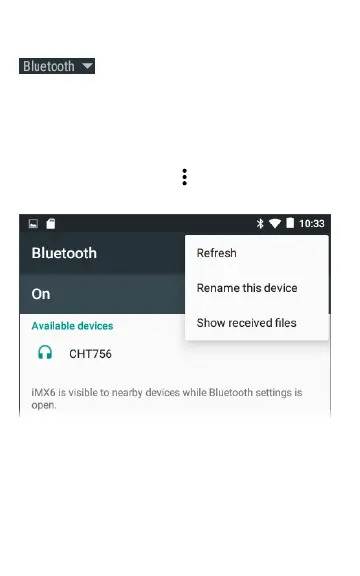
To connect to a Bluetooth device, touch
to scan for available Bluetooth
devices.
MORE SETTINGS opens the Bluetooth device
settings screen as well.
On the Bluetooth or Wi-Fi settings screen, touch
the action overflow icon to Refresh the
scanning process and view other options.
86
Additional Features



 To Next Page