Bluetooth Transmit Speed
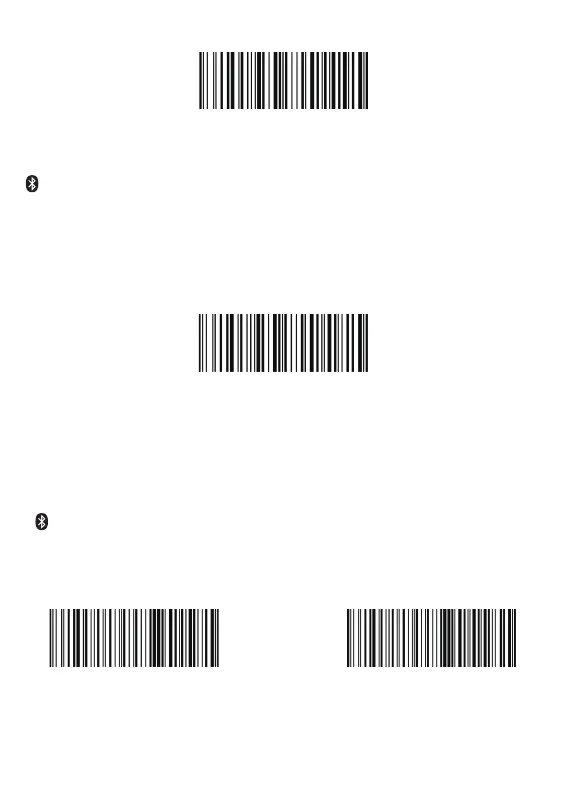
By scanning the appropriate barcode below will change the bluetooth transmit speed.
Applicatin Mode (Serial Port Pro�ile)
• For Android or Windows
• Software installation is required
• If you have an application that supports this is the mode recommended
Important Notes:
Remove the pairing information both from devices-host PC/phone and the scanner
when you change the data transmit mode.
AT+MODE=3
AT+MODE=1
AT+HIDDLY=4
High Speed
AT+HIDDLY=10
*Medium Speed


 To Next Page