Surgical Procedures 46
RNS
®
System User Manual
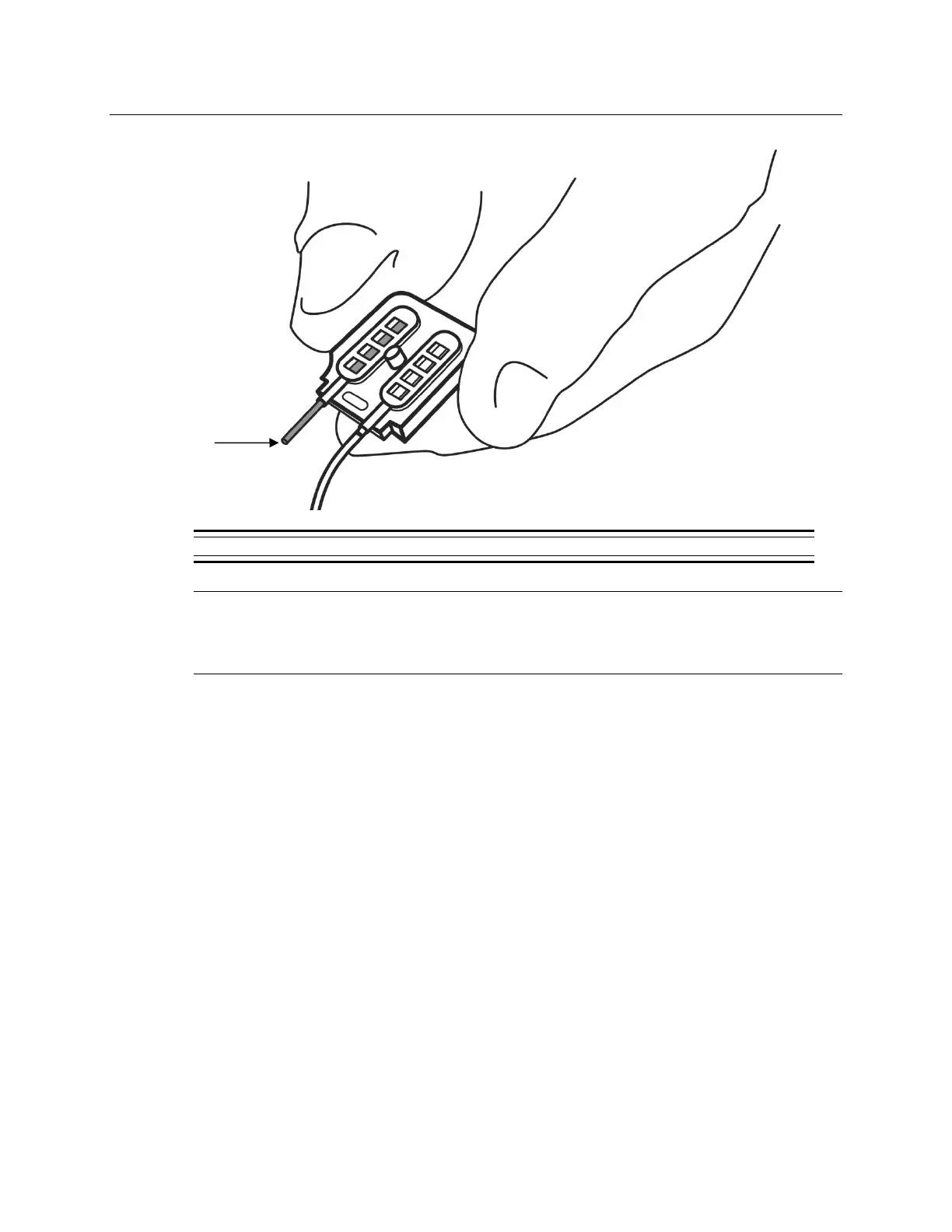
5. If using only one lead, be sure to place a connector plug in the vacant connector cover port.
Figure 15: Neurostimulator connector cover with a connector plug placed in the one vacant port.
Precaution: Connector Plug
A vacant port in the connector cover must be filled with a connector plug
(provided in the connector cover kit). There is an increased risk of
neurostimulator failure if a connector cover port is vacant.
6. Remove the white temporary connector cover from the neurostimulator.
Note: The neurostimulator connector area is extremely fragile and should be handled with
care.
7. Flush the neurostimulator connector area to remove debris and dry area before attaching the
connector cover.
8. Place the connector cover on the neurostimulator and then loosely attach it to the
neurostimulator using the torque driver. Ensure that the leads remain completely inserted in
the connector cover.
9. Fully attach the connector cover to the RNS
®
Neurostimulator by tightening the screw using
the torque driver. The torque driver makes a clicking sound when the screw is completely
engaged.
Note: DO NOT use any tools other than the torque driver provided to secure the connector
cover in place.



 To Next Page