Setting Up The Unit
Angular Mode Setup
Direction Setup
Signal Checking Setup
Zero Approach Setup
Please refer to Page 16, Signal Checking Setup
21
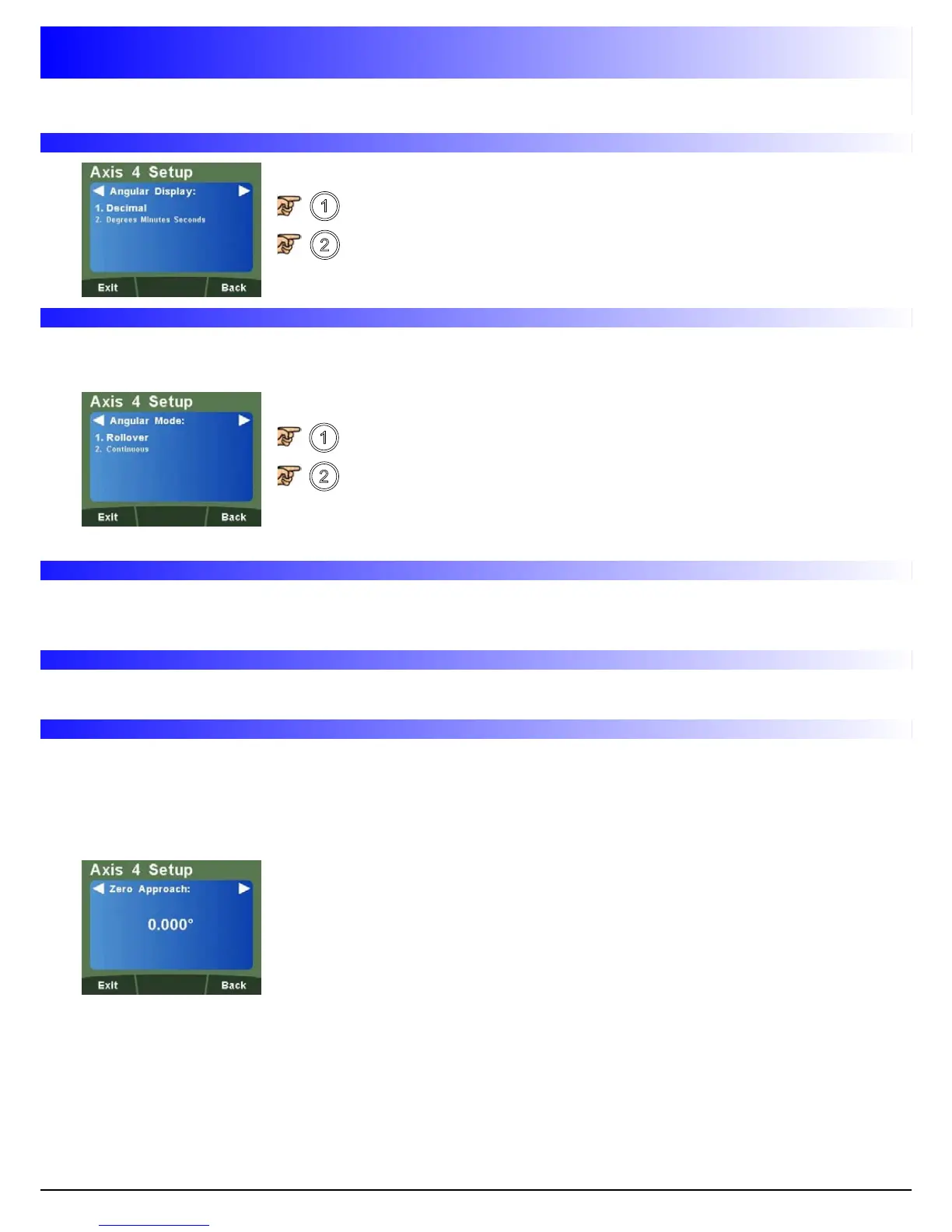
Angular Display Setup
To
select
Decimal
(Degrees)
To select Degrees Minutes Seconds
To select Rollover (Rollover at 360°)
To select Continuous
This function allows the selection of rollover at 360° back to zero or to provide a continuous
measurement.
Please refer to Page 10, Direction Setup
Default is 0.000
Navigate to
This setting provides a visual indication that one or more axes are approaching zero. It does this by
using the far left LED segment on each axis, as the axis approaches zero, each segment of the '0'
lights up in quick succession. Once zero has been reached, the '0' to the far left will be constantly on.
Enter any value using the numeric keys to provide zero approach
limits. This can be entered in degrees or degrees minutes seconds,
dependant on the Angular Display Setting.
Note: To disable the zero approach function, enter a value of 0.000.



 To Next Page