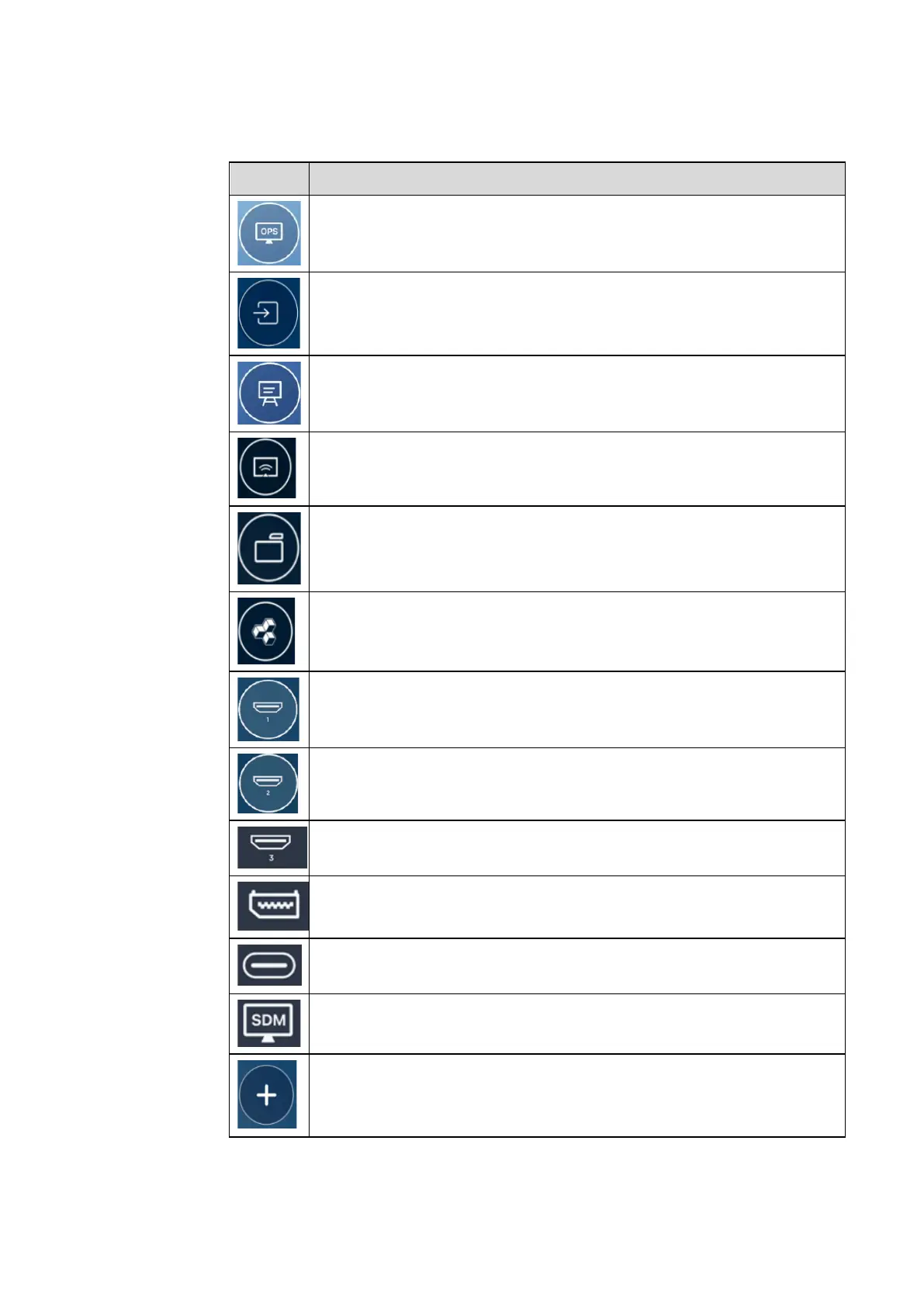
Switch to the OPS Computer source.
Click Sources to view the connected sources, including Built-in PC, HDMI 1,
HDMI 2, HDMI 3, Type-C, Display, Newline cast, File viewer and SDM.
Whiteboard takes you to the whiteboard function and screen annotation
functions.
Click “Newline Cast” to enable the wireless screen sharing function.
Click File viewer to open the File Manager to explore internal and external
files on the display.
Click Office viewer to open the Office Suite application.
Switch to the HDMI 1 source
Switch to the HDMI 2 source
Switch to the HDMI 3 source
Switch to the Display source
Switch to Front Type-C source
Long press the icons in the dock, you can enter the customization mode.
Click Add to customize the icons or rename it. You can add up to 6 shortcuts to
your favorite functions. (See more details in “¡Error! No se encuentra el
origen de la referencia.Dock”)


 To Next Page
 Loading...









