48
Page Operation
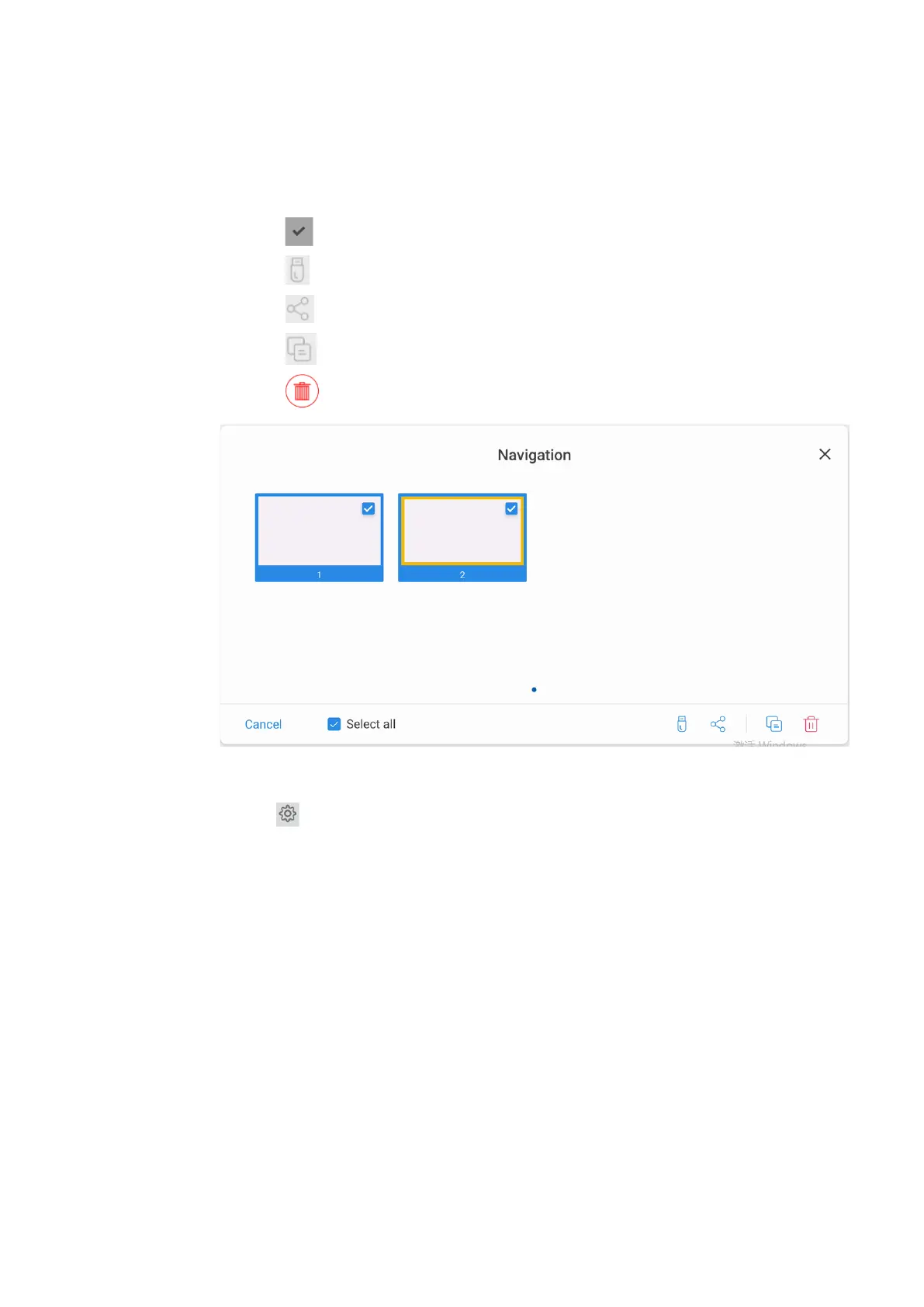
On the Navigation page, you can select or delete writing pages according to requirements, as
shown in the following figure:
⚫
Tap to select all pages.
⚫
Tap to save the writing pages to USB flash device.
⚫
Tap to share the writing pages to local file or AquaMail.
⚫
Tap to copy the page.
⚫
Tap to delete selected pages.
4.5.3 Whiteboard Setting
Tap the icon to enter the settings bar, users can set the object recognition, action hint and
default settings.


 To Next Page
 Loading...









