28
Deleting files
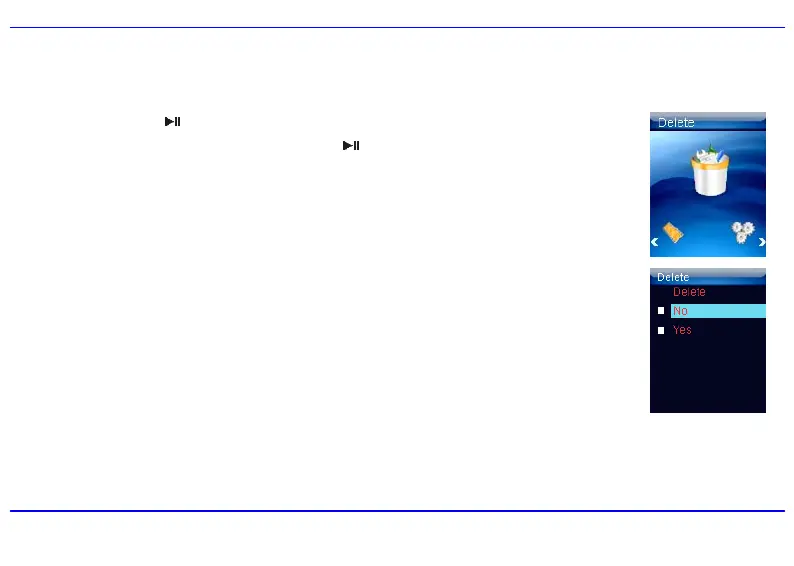
In the Delete mode, you can delete the files stored on your player without a computer.
1. Press and hold the [
] button to enter the main menu.
2. Use the [W] or [X] button to select Delete and press the [
] button. The file list appears on the screen.
3. Press the [S] or [T] button to navigate between files or folder.
4. To delete a file, select the file and press the [MENU] button. The Delete menu appears on the screen.
5. Use the [S] or [T] button to select Yes (continue delete) or No (cancel delete), and press the [X] button to start
deleting the files or exit without deleting.
Note: To return to the previous screen, press the [W] button.


 To Next Page