EN-15
Duo Cinema Instruction Manual
Conguring the Sengs
General Operaons
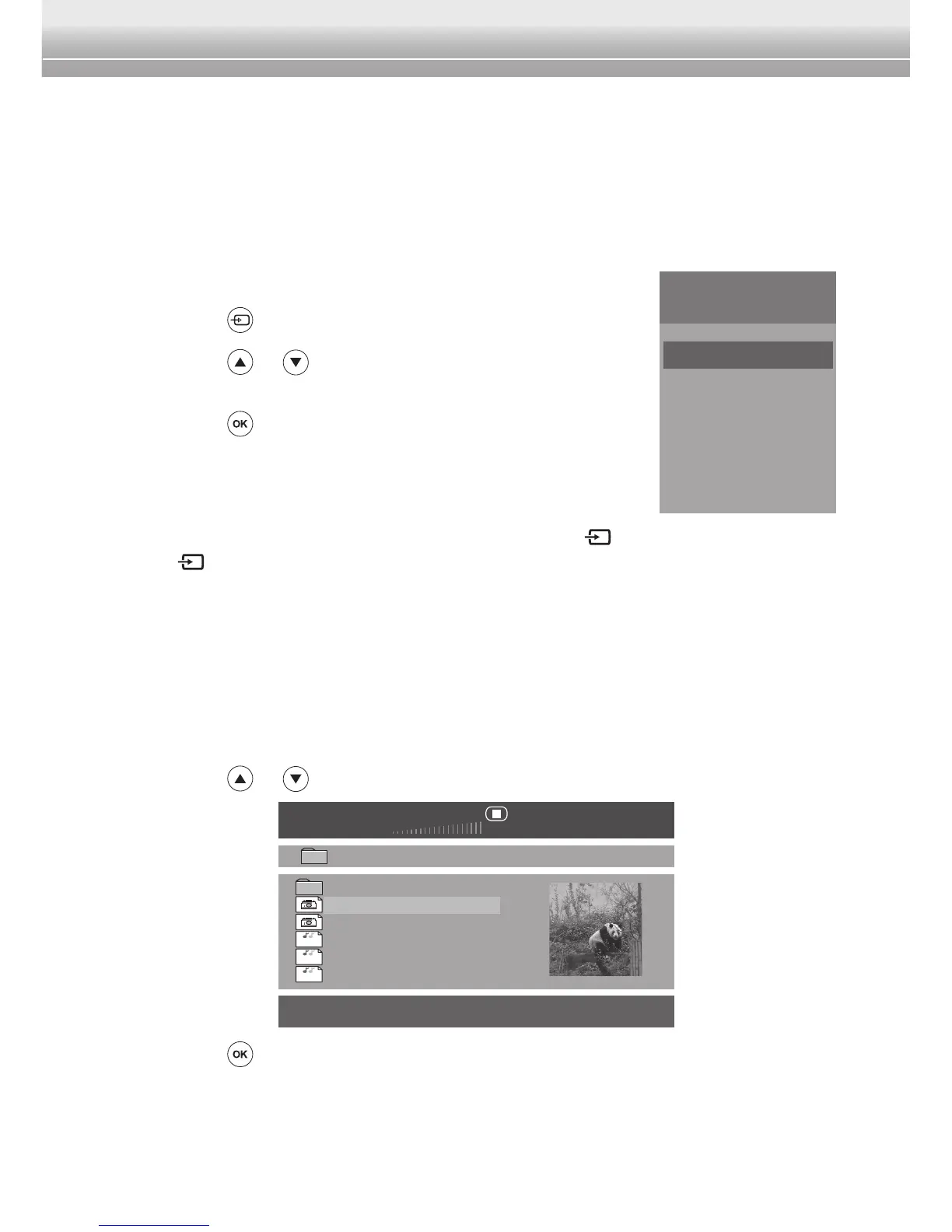
Switch the Input Source
By default, this device is in DVD mode when it is turned on. To switch the input
source, perform the following:
1 Press the
button.
2 Press the
or button to select the desired input
source.
3 Press the
buttontoconrmtheselection.
Note:
♦ You can also switch the input source by touching the key on the player. Touch
the
key repeatedly to toggle the input source.
♦ If there is no signal detected, a “No Signal” message will appear on the screen.
Media Playback
Selecting File (USB input only)
MakesureyouhavepluggedinaUSBashdriveontheplayer.
1 Press the
or buttontoselectthedesiredle.
00:00
002 / 009
\
System Volume Information
P1010314
P1010315
song_01
song_02
song_03
Res. 225 x 300
00:00
MP3
MP3
MP3
2 Press the buttontoconrmtheselection.
• Ifaphotoleisselected,theimageappearsinfullscreen.
• Ifamusicorvideoleisselected,themusic/videostartsplaying
automatically.
Source
DVD
USB
HDMI1
HDMI2


 To Next Page