EN-18
Duo Cinema Instruction Manual
Conguring the Sengs
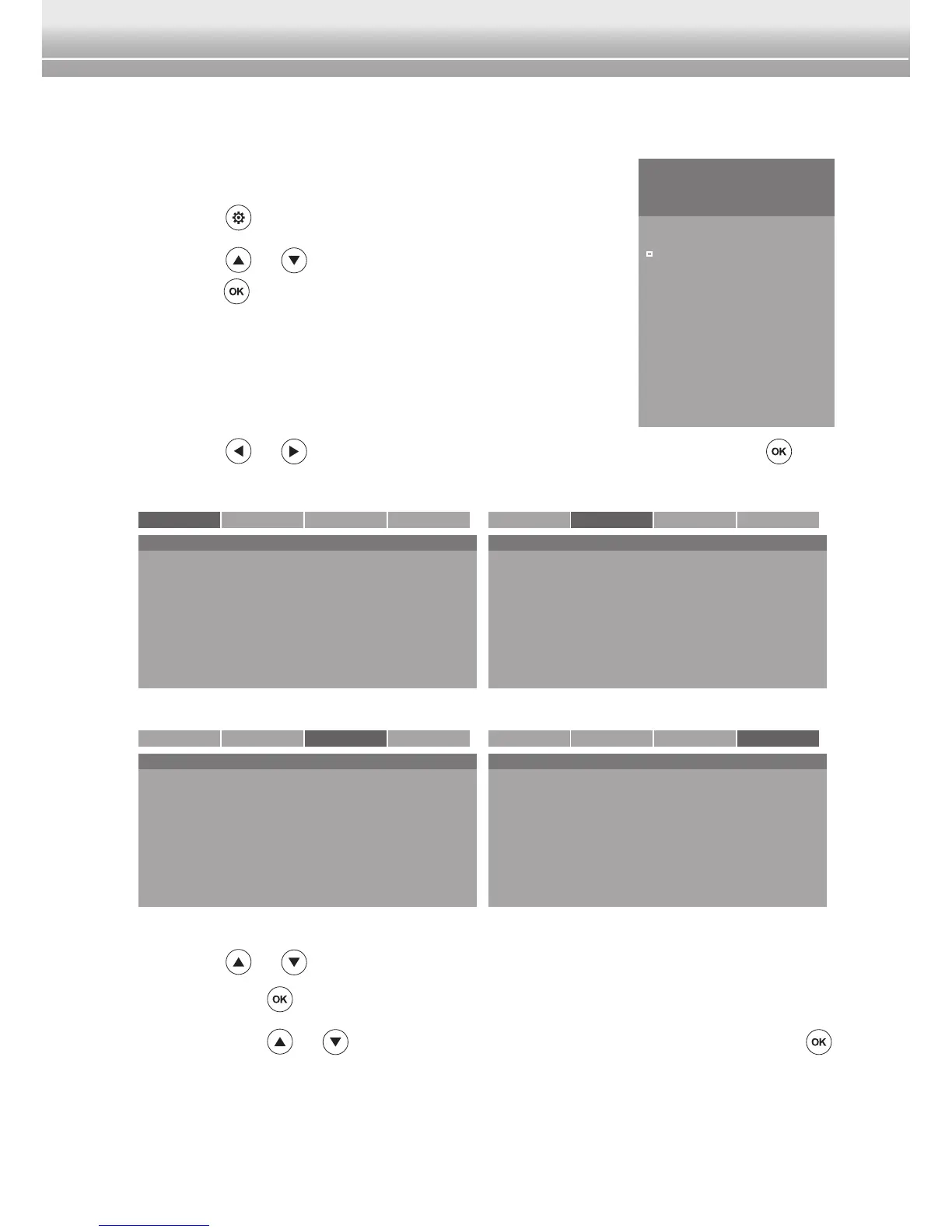
DVD Menu (DVD/USB input source only)
1 Press the button to bring up the main menu.
2 Press the
or button to select DVD Menu. Then
press the button to enter DVD Menu.
3 Press the
or button to select a menu category. Then press the
buttontoconrm.
General Audio Video Preference
- - General Setup Page - -
TV Display
Angle Mark
Screen Saver
Resume Function
PS
On
Off
Off
General Audio Video Preference
Downmix Stereo
General Audio
General Audio Video Preference
- - Video Setup Page - -
Resolution
General Audio Video Preference
- - Preference Page - -
TV Type
Audio
Subtitle
Disc Menu
Parental Control
Default
NTSC
Eng
Off
Eng
Video Preference
4 Press the or button to select an option and then do the following:
• Press the
button to enter the submenu.
• Press the
or button to select the desired setting and press the
button toconrm.
Note:
♦ The OSD menu will disappear within 3 seconds if there is no operation.
Setup
DVD Menu
Screen Menu


 To Next Page