EN-19
Duo Cinema Instruction Manual
The following menu options are available in DVD Menu:
Menu Option Description
General
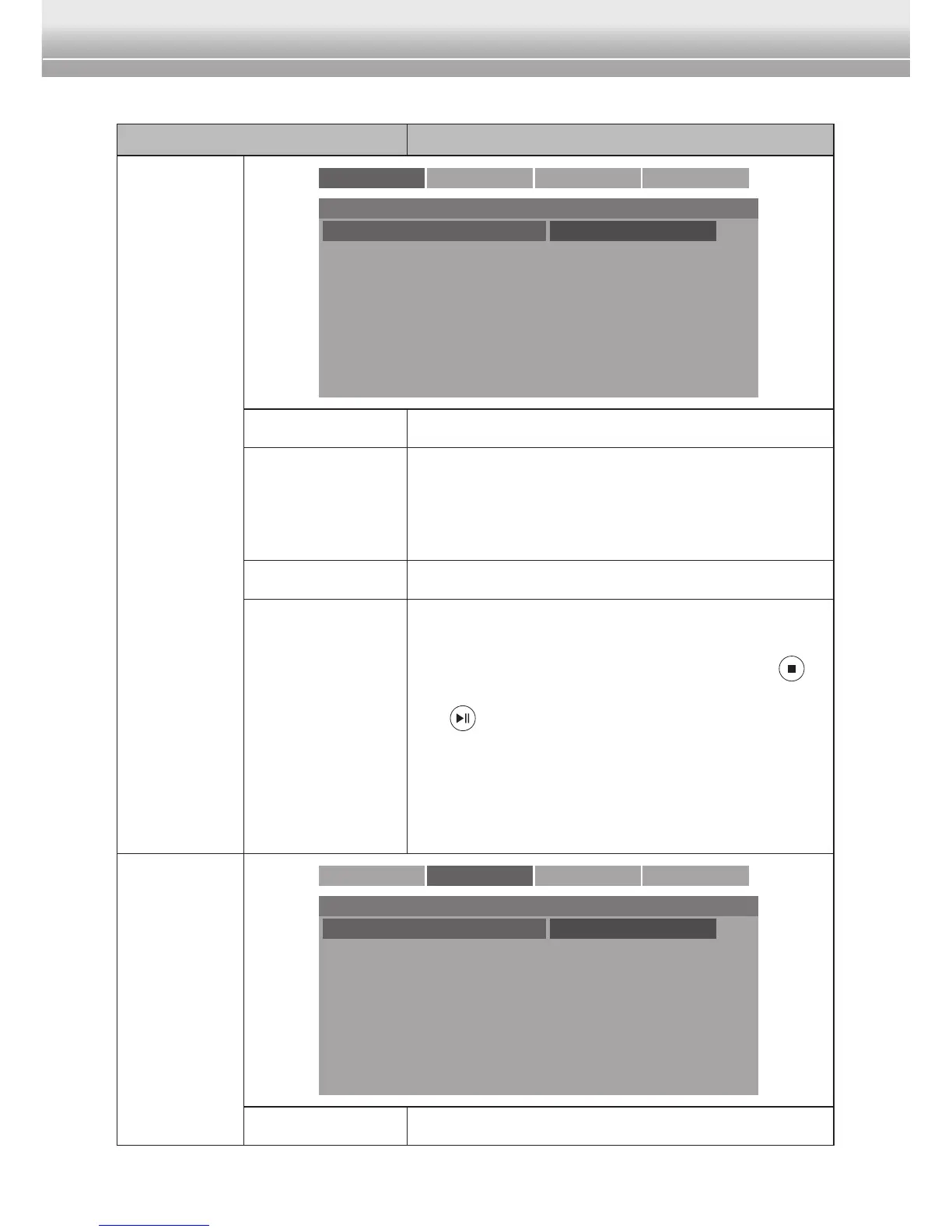
General Audio Video Preference
- - General Setup Page - -
TV Display
Angle Mark
Screen Saver
Resume Function
PS
On
Off
Off
4:3 Panscan
4:3 Letter Box
16:9 Widescreen
Wide Squeeze
TV Display Select the aspect ratio.
Angle Mark
This function only works with the DVD discs
contain scenes recorded at different angles.
Set the setting to On to view a scene at one
of those angles.
Screen Saver Enable/Disable the screen saver function.
Resume
Function
Enable/Disable the resume function. When
this function is enabled, the DVD system will
remember the point in a DVD when the
button was pressed during playback. When
the button is pressed again, the playback
will begin from the stop point.
Note:
♦ Resume Function may not be available on
some DVD discs.
Audio
General Audio Video Preference
Downmix Stereo Stereo
Downmix Enable/Disable the stereo audio.



 To Next Page