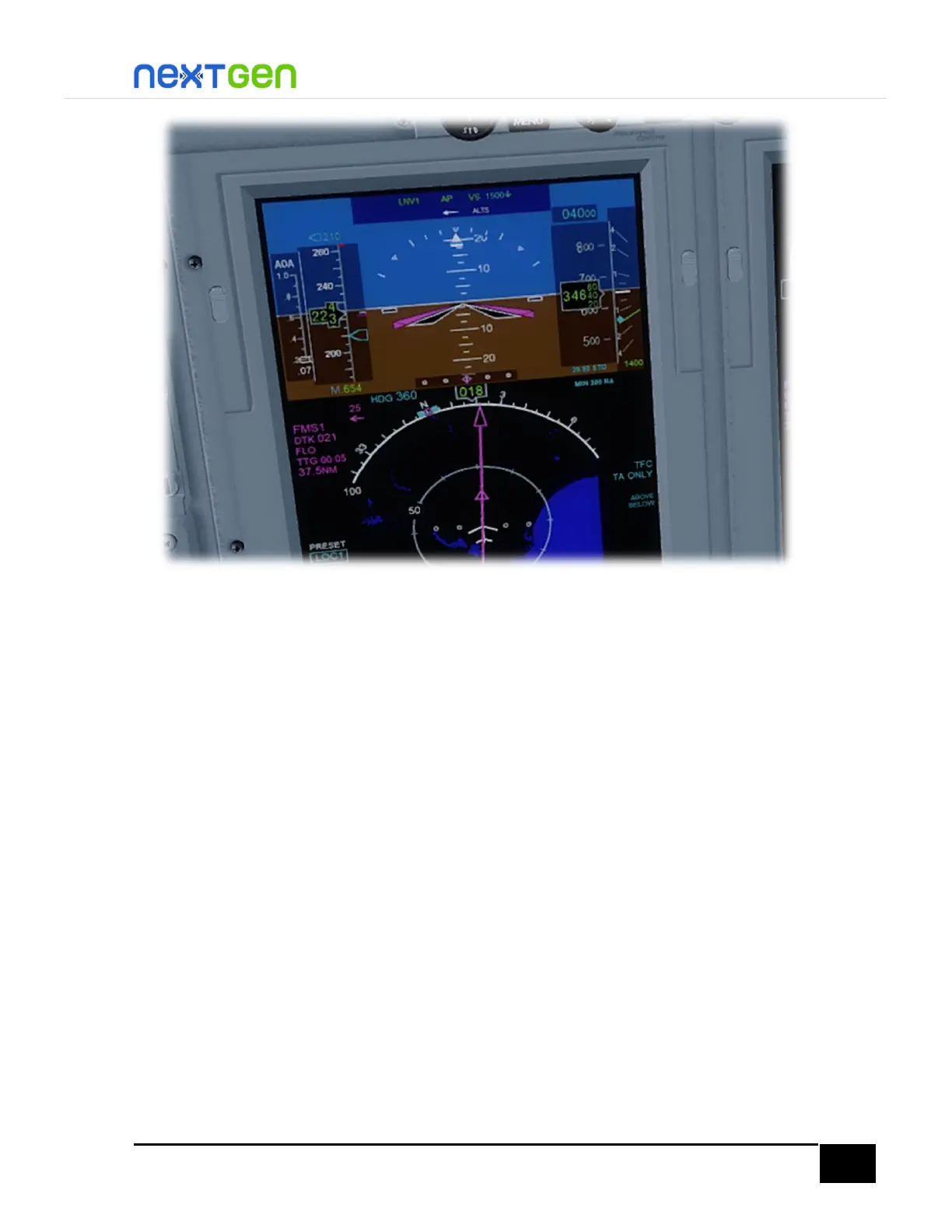
Reset the sim rate to 1x.
Below 18,000 feet, you should see the STD readout gone from the displays. Automatically the
STD mode is disengaged. To change the baro setting, use the BARO knob of the DCPs and
Standby PFD knob. Remember that the baro setting on all displays is set independently. Yu
can even press B to readjust and sync the baro setting on all displays.
Below 10,000 feet, turn the landing lights on by pressing the LNDG button on the Lighting
Panel.
Now, for ILS tuning, head over to the left FMC, then press the MENU button and select the
LSK 1R “NAV DATA >”. There you will see the ILS frequency and course are set from the
moment the flight plan was programmed. You only need to set the AUTOTUNE feature to
ON, by pressing the LSK 6R. See the following figure.


 To Next Page