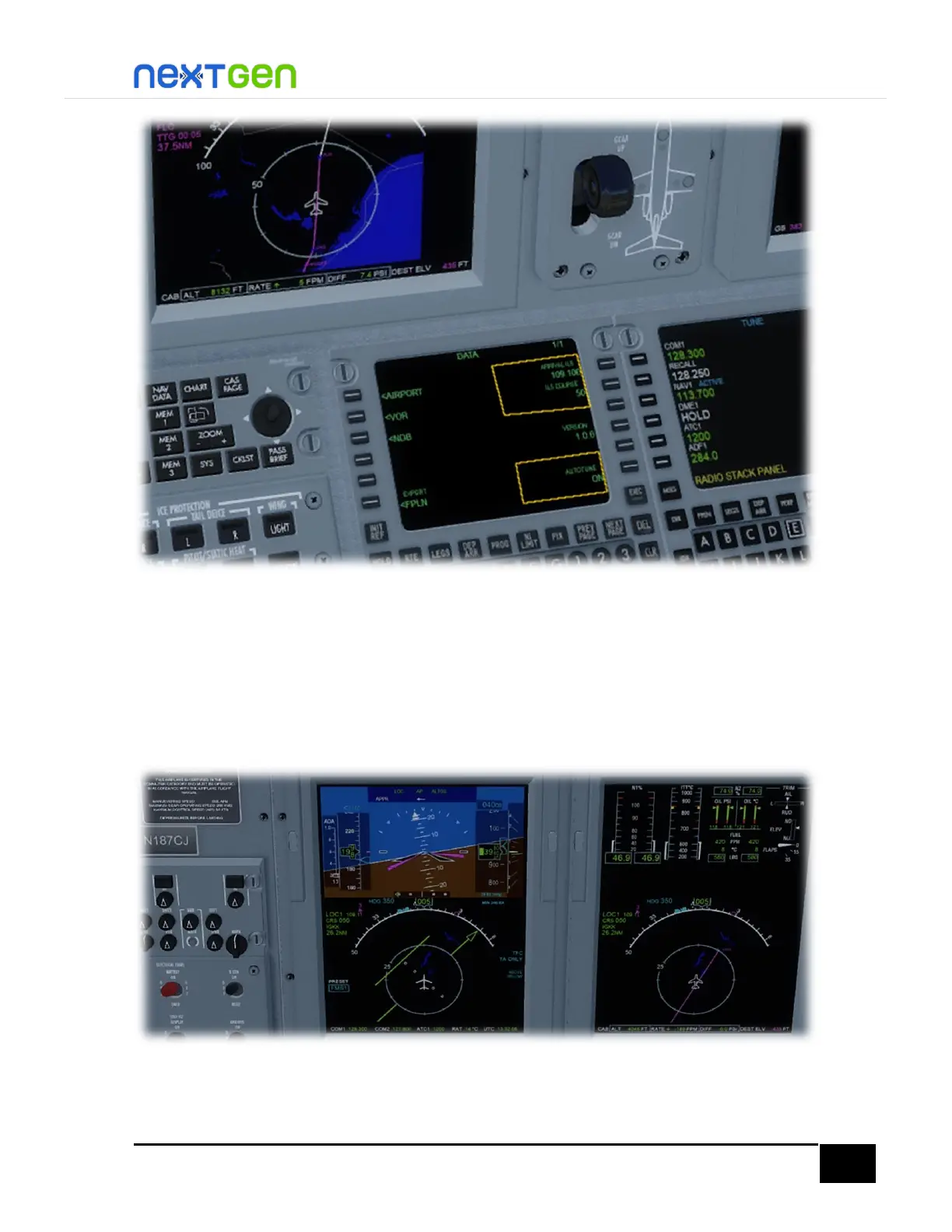
Approach & Landing
Here you may want to pause the sim and read the following in order to get the aircraft ready for
approach and landing phases.
First, change the NAV source to LOC1, by pressing the NAV button on the left DCP.
Then, when you get the ILS localizer signal, disengage the autopilot and align manually the
aircraft or use the autopilot to align the aircraft with the centerline of the GS and LOC.
After you have aligned the aircraft with the LOC & GS centerlines, engage the APPRPACH
mode by pressing the APPR button of the FGP.


 To Next Page