User settable (§4.2.6). T3 is the delay used between the return
of the input voltage and the activation of the output. The same
time is used by the automatic restart function as power OFF
time to restart the PC. The value must be big enough for the
PC to detect the supply ON->OFF->ON cycle to restart.
Table 1: Shutdown and restart
The parameters are settable through the DCW20 user interface or using the POWERMASTER
application. The checkbox “Run on startup” must be checked on POWERMASTER when PC shutdown
function is used. To inhibit the software from calling the shutdown command user can select the
“Inhibit shutdown” check box.
3.1.6 Cold start
The cold start is a procedure that allows turning ON the UPS without the input power. This procedure
is used to turn ON the UPS to operate during a power interruption. This practice is also a method to
see if the battery connected to the DCW20 is functional.
In cold start the DCW20 will remain ON for at least 60 seconds independently from the battery voltage
(even when being under the deep discharge threshold), the inhibit input and the backup timer.
After the first 60 seconds the device stays ON until the battery is not deep discharged, the backup
timer is not expired or the inhibit input is not active.
If the input supply returns during cold start the device reverts to normal operation.
To cold start the DCW20:
Press and hold simultaneously the and buttons until you see the welcome message
on the screen. On the status screen the "Cold start” text is written beside the input icon.
Release the buttons.
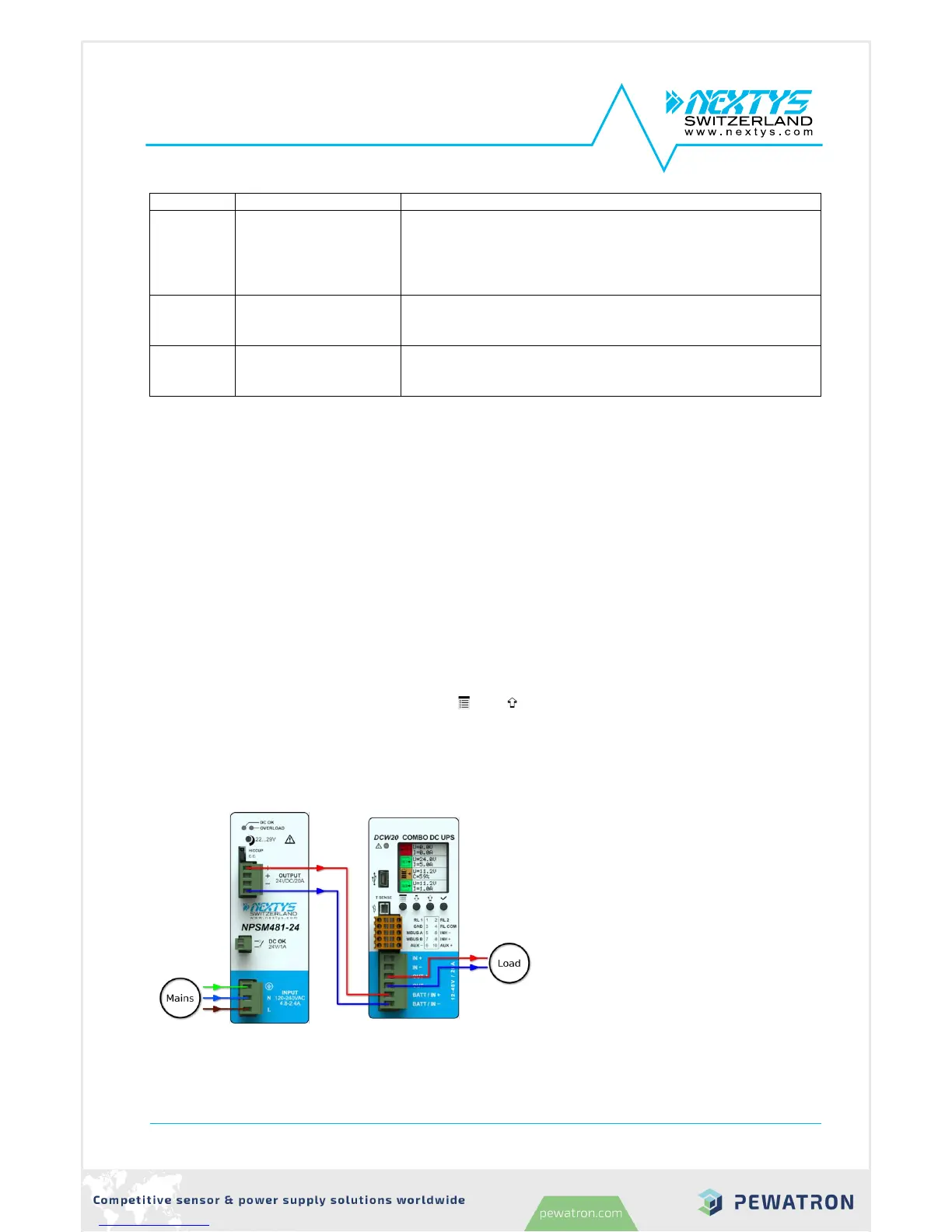
3.2 DC/DC mode
DCW20 can be used as a high
performance DC/DC converter. An
example of DC/DC connection is given
on Figure 9.
Any voltage between 10V to 55V can be
converted to any voltage between 10V
to 55V (step-up and step-down
operation) with up to 20A input or output
current.
Input and output are protected against
over current with user settable limits
(§3.3).
When used as a DC/DC converter the
input supply must be connected to the
battery connector as shown on Figure 9.



 To Next Page