10
2.2 Logging In
Perform the following steps to login to the web user interface.
STEP 1: Start the Internet browser and enter the default IP address for the device in the Web address field.
For example, if the default IP address is 192.168.0.5, type http://192.168.0.5
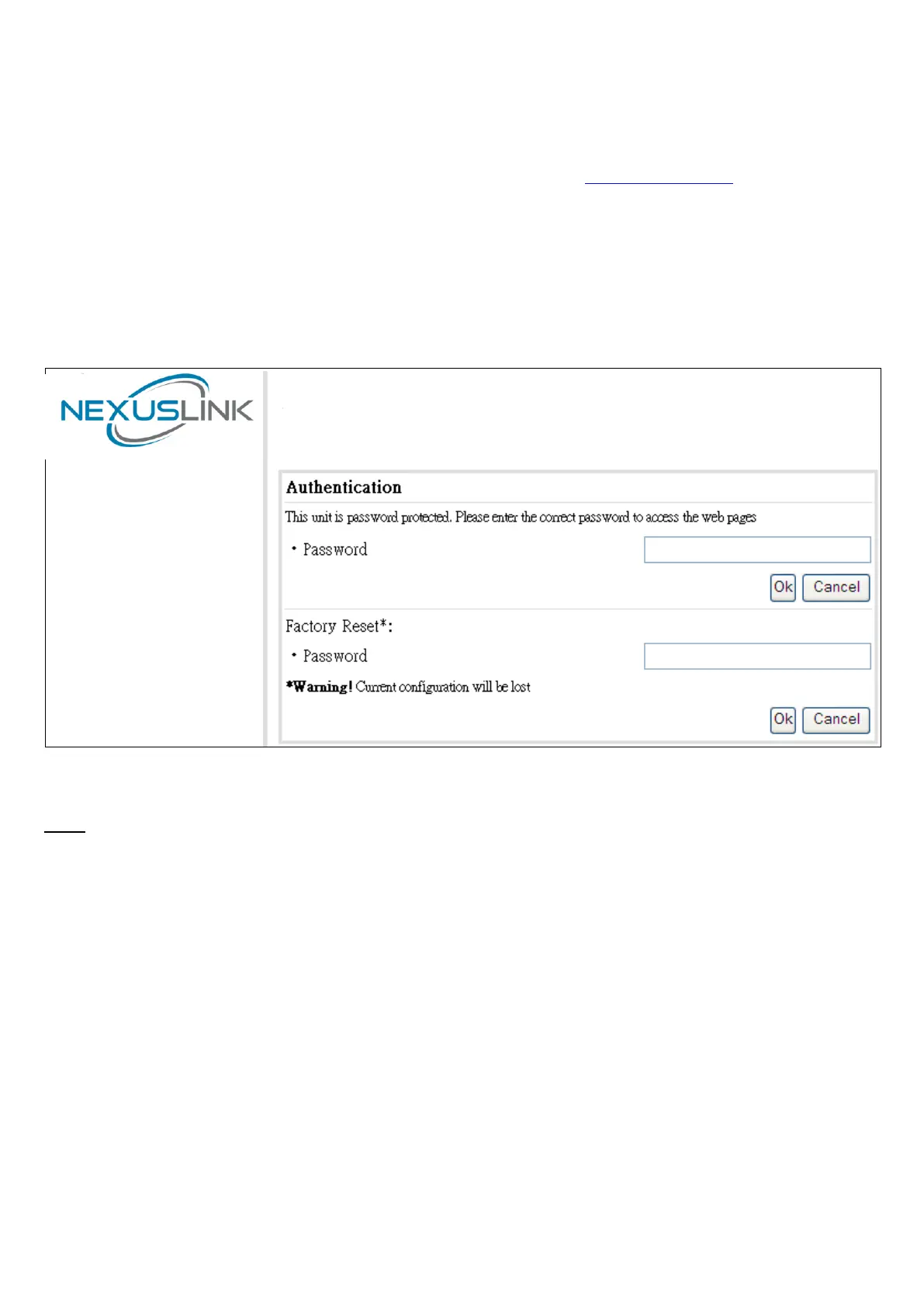
STEP 2: A dialog box will appear, such as the one below. Input the default Authentication Password.
Authentication Password: admin
-
Click OK to continue.
Note:
The Factory Reset password is: betera


 To Next Page