23
Chapter 9 VLAN Interface
9.1 VLAN Configuration
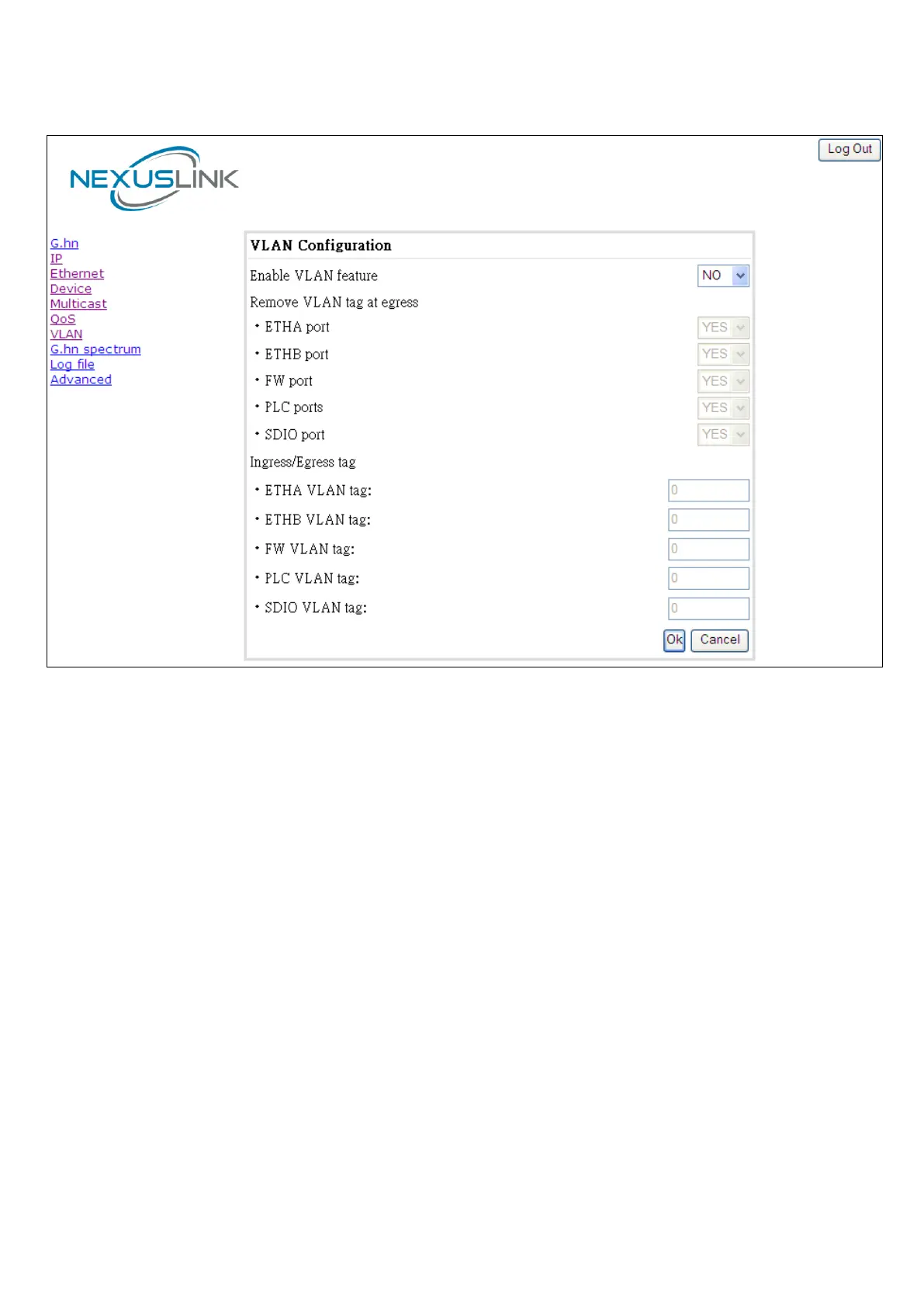
In the VLAN Configuration tab of one G.hn node, a VLAN tag can be added or removed per interface. Also,
removing a tag at egress per interface can be also enabled or disabled:
• VLAN tag configuration: adding/removing tag. A tag value (from 1 to 4095) per interface can
be added in this section. Set value to 0 for no tagging.
• VLAN tag configuration: trunk ports. Removing all tags at egress of a port can be configured by
setting the parameter to NO or default YES keeps tags but removes the one configured in the previous
section (if any).
• Disable VLAN feature and all settings back to defaults: Click to disable completely the VLAN
functionality, removing all tags and trunk ports.


 To Next Page