X.COM3 - MOTORCYCLE BLUETOOTH COMMUNICATION SYSTEM WITH MESH INTERCOM
30
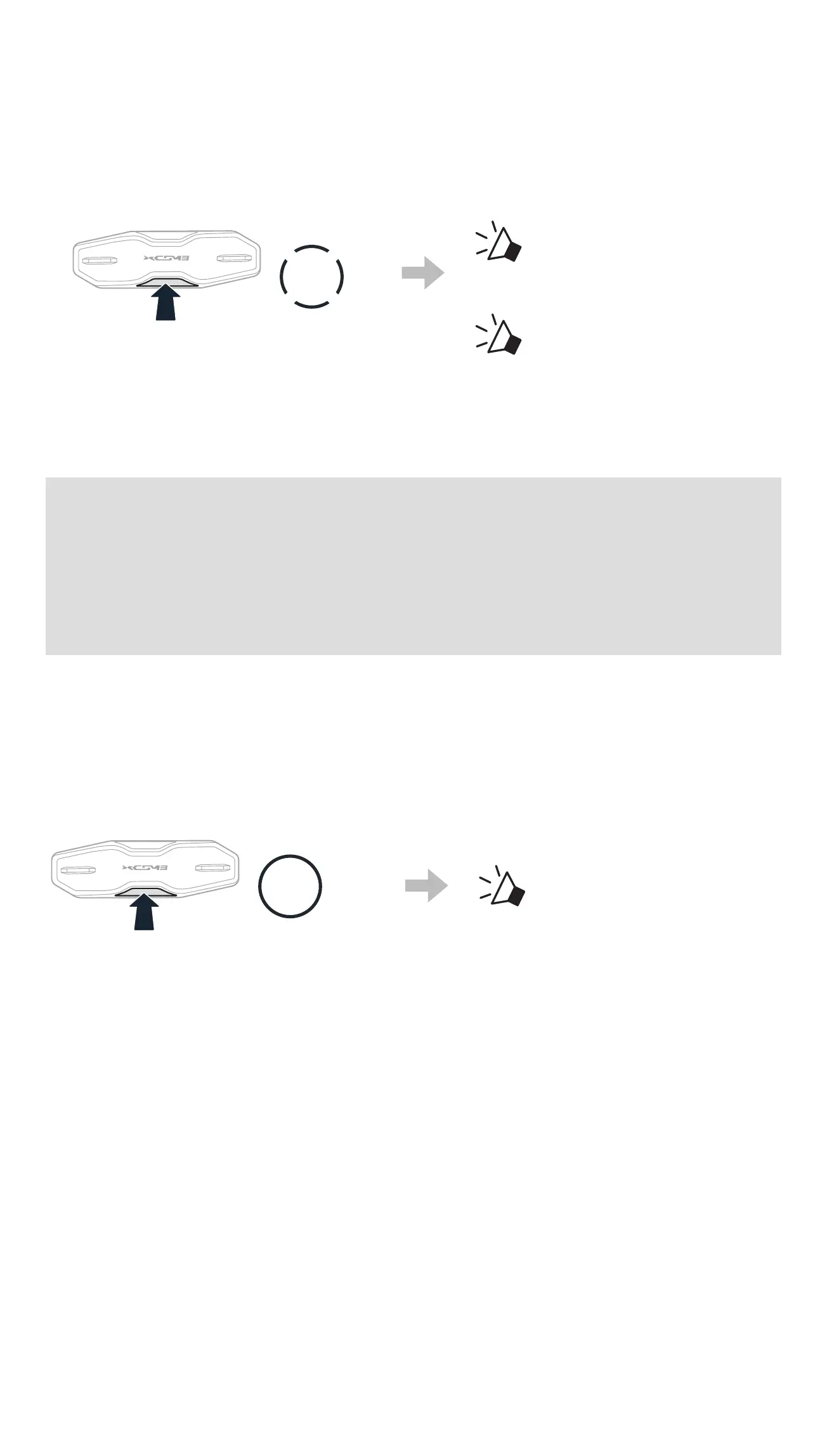
2. While your headset’s Mesh Intercom is on, you (caller) send a request
message using the headset’s Button or the Sena Motorcycles App.
[Caller]
3x
TAP
[Caller]
“ Mesh reach-out
request”
[Nearby Friends]
“ Mesh intercom
requested”
3. Friends who receive the request message need to manually turn on their
Mesh Intercom using the headset’s Button or the Sena Motorcycles
App.
Note:
• *: Up to 100 m (109 yds) in open terrain
• To use the Mesh Reach-Out Request function, you (caller) who
sends a request message and the friends who receive the request
message must update the headset to the latest rmware version
and the app to the latest version.
7.8 RESET MESH
If the headset in an Open Mesh or Group Mesh resets the Mesh, it will
automatically return to Open Mesh (default: channel 1).
8s
HOLD
“Reset Mesh”



 To Next Page