X.COM3 - MOTORCYCLE BLUETOOTH COMMUNICATION SYSTEM WITH MESH INTERCOM
44
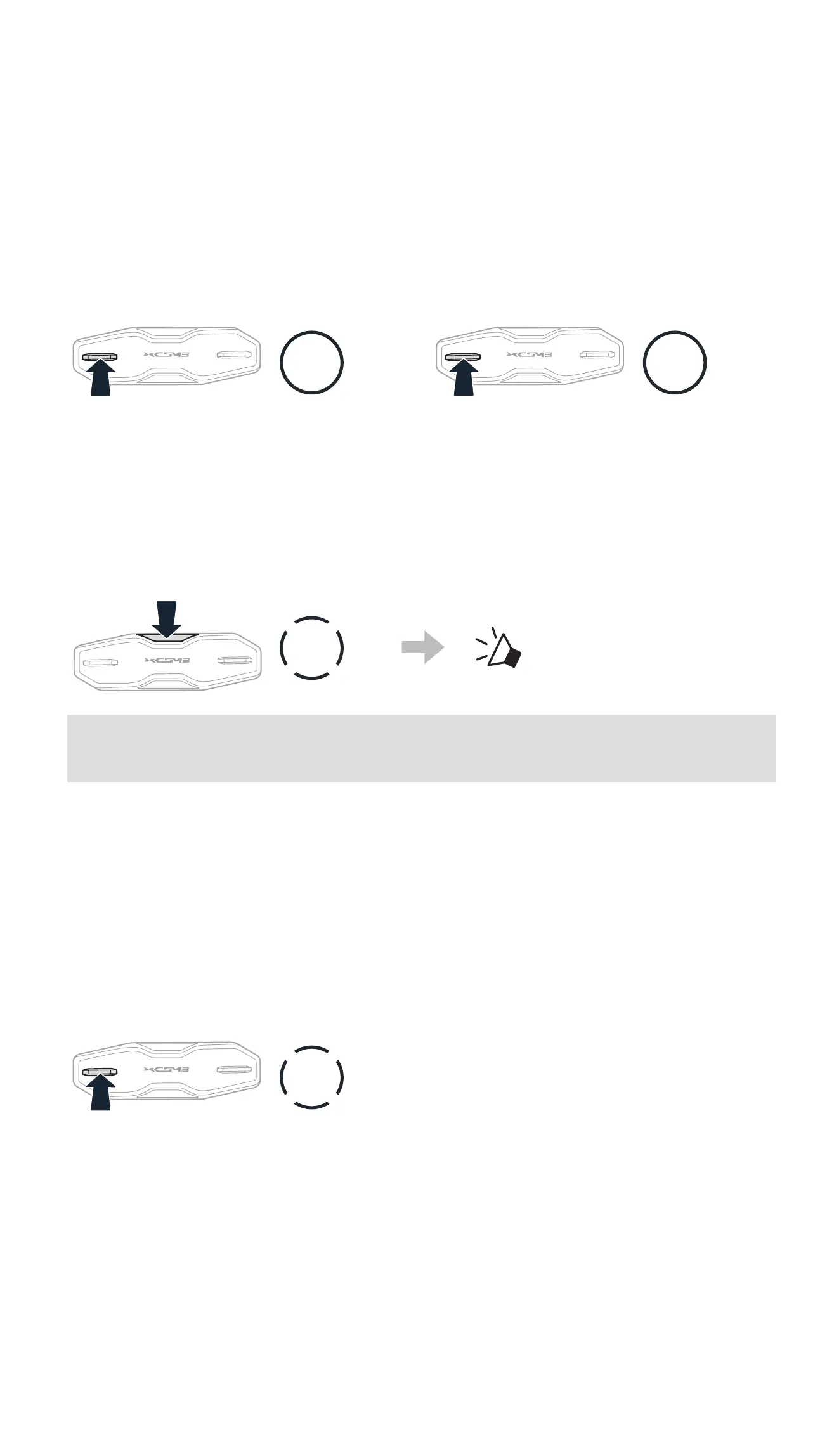
10.3 SCAN AND SAVE RADIO STATIONS
The “Scan” function automatically searches for radio stations, starting with
the current station’s frequency, then up from there.
1. Scan for stations.
Start Scanning
1s
HOLD
Stop scanning
1s
HOLD
2. The Sena tuner pauses at each station it nds for 8 seconds before
moving to the next.
3. Save the current station. The station will be saved as the next preset
number.
Save the Current Station
1x
TAP
“ Save preset (#)”
Note: You can use the Sena Motorcycles App to save the preset
stations.
10.4 TEMPORARY STATION PRESET
The Temporary Preset feature automatically nds and saves the nearest 10
radio stations without changing your existing preset stations.
1. Automatically nd and save 10 stations.
Temporary Stations
3x
TAP
2. The temporary preset stations will be cleared when the headset reboots.



 To Next Page