NI cDAQ-9178/9174 User Guide and Specifications 26 ni.com
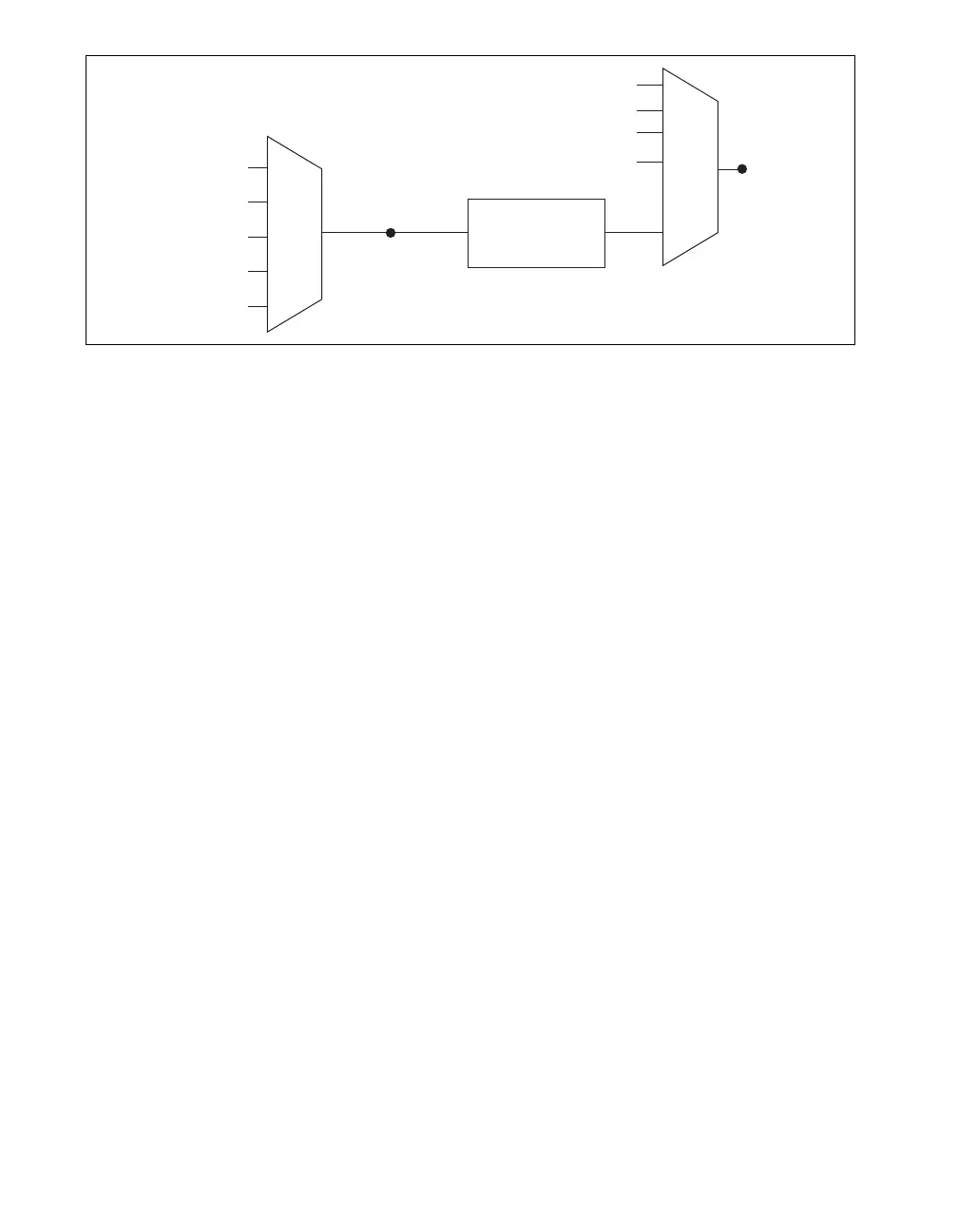
Figure 16. Sample Clock Timing Options
Routing DI Sample Clock to an Output Terminal
You can route di/SampleClock to any output PFI terminal.
DI Sample Clock Timebase
The DI Sample Clock Timebase (di/SampleClockTimebase) signal is divided down to provide a source
for di/SampleClock. di/SampleClock Timebase can be generated from external or internal sources.
di/SampleClockTimebase is not available as an output from the chassis.
Using an Internal Source
To use di/SampleClock with an internal source, specify the signal source and the polarity of the signal.
Use the following signals as the source:
• AI Sample Clock
• AO Sample Clock
• Counter n Internal Output
• Frequency Output
• DI Change Detection Output
Several other internal signals can be routed to di/SampleClock. Refer to the Device Routing in MAX
topic in the NI-DAQmx Help or the LabVIEW Help for more information.
The NI-DAQmx Help is available after installation from Start»All Programs»National Instruments»
NI-DAQ»NI-DAQmx Help. To view the LabVIEW Help, select Help»Search the LabVIEW Help in
LabVIEW. Alternately, to download the LabVIEW Help, go to
ni.com/manuals.
Using an External Source
You can route the following signals as di/SampleClock:
• Any PFI terminal
• Analog Comparison Event (an analog trigger)
You can sample data on the rising or falling edge of di/SampleClock.
Routing DI Sample Clock to an Output Terminal
You can route di/SampleClock to any output PFI terminal. The PFI circuitry inverts the polarity of
di/SampleClock before driving the PFI terminal.
Programmable
Clock
Divider
di/SampleClock
Timebase
PFI
Analog Comparison Event
Ctr
n
Internal Output
di/SampleCloc
Sigma-Delta Module Internal Output
Analog Comparison
Event
20 MHz Timebase
80 MHz Timebase
PFI
100 kHz Timebase



 To Next Page