CBOX1050
INSTALLATION AND PROGRAMMING MANUAL
36
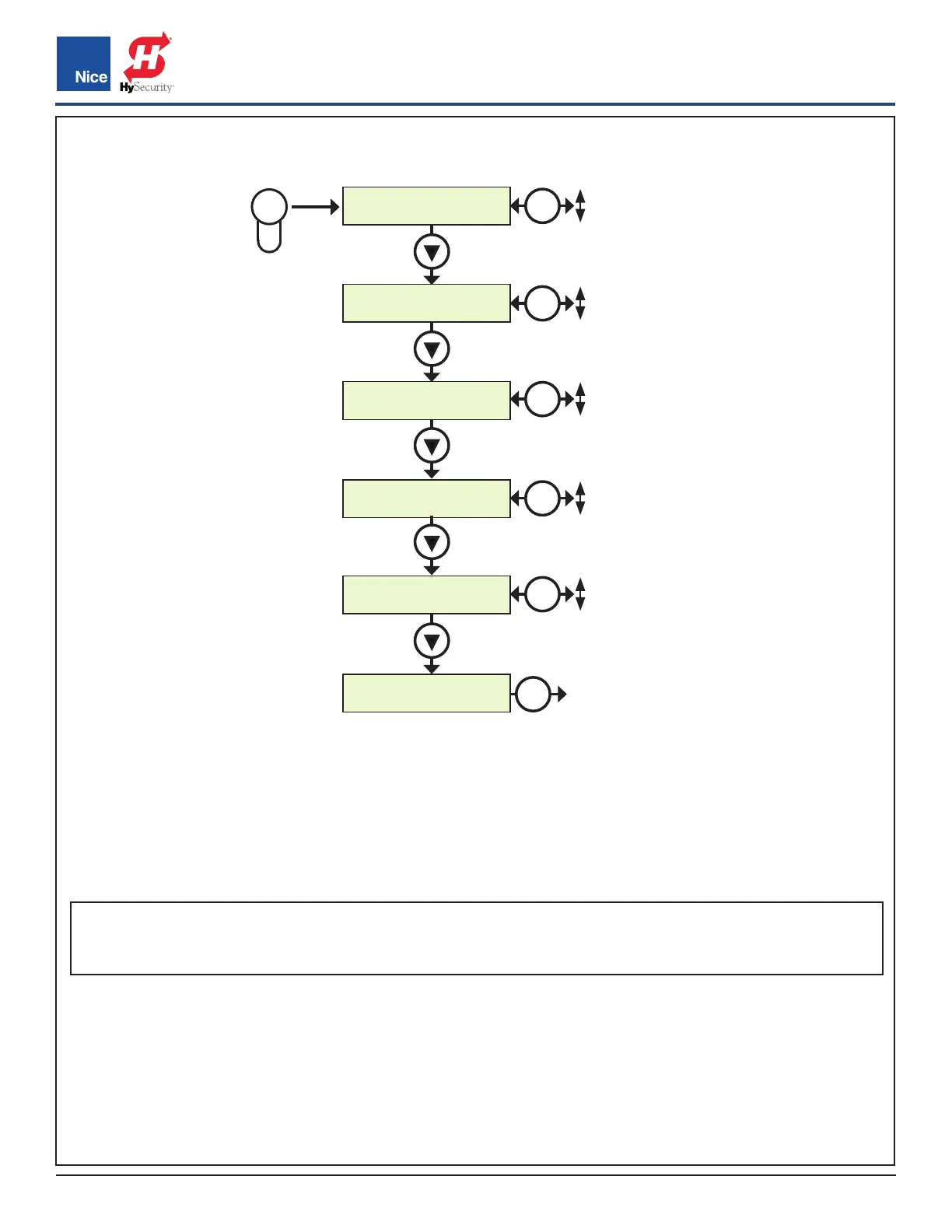
Press
DELAY
1. Auto Close :10
DELAY
2. Slave :0.0
DELAY
3. Lamp :0.0
DELAY
4. Lock :5.0
DELAY
5. Run Timer :120
DELAY
6. ESC
DELAY
EXIT
OK
DELAY BUTTON MENU:
• AUTO CLOSE: Sets the time before the gate closes automatically from the fully open position. Settings
from 0 (off) to 90 seconds. Setting this to 0 will disable the auto close timer.
• SLAVE: Enables overlapping dual gates to dovetail smoothly by creating a momentary delay for Slave
operator when opening and Master when closing. Settings from 0-5 seconds with increments of 0.5.
EXAMPLE: If 03 is selected, in the OPEN direction the Slave Operator will begin to OPEN 3 seconds after
the Master. In the CLOSE direction the Master Operator will begin to CLOSE 3 seconds after the Slave
NOTE: The Remote Master/Slave setting must be turned on for 24V commercial operators in the Advanced
Settings menu and each operator defined as Master or Slave. For 12V residential operators the Master is
Motor 1 by default but can be changed in the Advance Settings menu.
• LAMP/STROBE: Sets the amount of time the Lamp accessory output is activated prior to gate movement.
Settings from 0 to 5 seconds with a step of 0.5 seconds.
• LOCK: Sets the amount of time the Magnetic Lock accessory output is activated to disable the lock when
opening the gate. Settings from 0 to 5 seconds with a step of 0.5 seconds.
• RUN TIME: Sets the maximum run time for the gate. Used in case the gate doesn’t reach its limits. Settings
from 15 to 120 seconds with a step of 1 sec.
• ESC: Exit the DELAY menu.
DELAY BUTTON
OK
0 SEC.
90 SEC.
OK
0 SEC.
5 SEC.
OK
0 SEC.
5 SEC.
OK
0 SEC.
5 SEC.
OK
15 SEC.
120 SEC.
www.ApolloGateOpeners.com | (800) 878-7829 | Sales@ApolloGateOpeners.com



 To Next Page