15
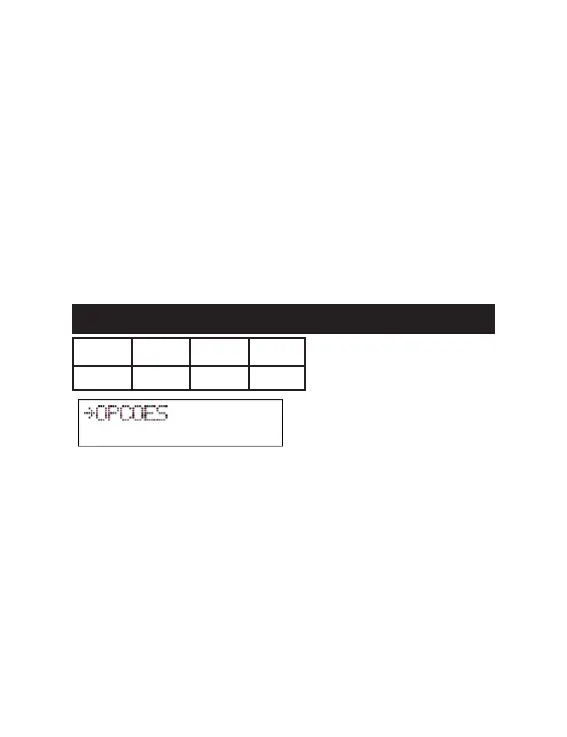
12- IO MODULE MODE
DIP 1 DIP 2 DIP 3 DIP 4
ON ON ON X
The IO MODULE mode was specially developed for control by Software PC,
through the MG 3000 Module. Here, all digital inputs, outputs (relays) and RS-
485, RS-232 and Wiegand channels lose the functions assigned by the other
modes of the Receiver so that the PC Software decides which actions to take,
functioning as an input/output module.
The options below can also be congured using specic remote commands. To
obtain the complete list, please contact our technical team.
EVENT ENTRIES (No*, Yes)
Enables the automatic sending of the “notify” event at each change of state on
the 16 digital inputs.
EVENT SCANNERS (No*, Yes)
Enables the automatic sending of a “notify” event to triggering devices and
their respective scanners.
T. ANTI HIKE (o*, 1 to 99 s)
Time in seconds where the Receiver is inactive after the identication of a Tag,
preventing the passage of two vehicles duly equipped with the registered devi-
ces, in the same opening. Thus, it should be notied to users that the system
allows a single pass at a time, especially t when quick doors or barriers are
used, and all events are recorded by the system.
REMOTE MODE (No*, Yes)
Enables the Receiver control via software integrated in the MG 3000 Module
(remote validation).
B) INPUTS MENU
See item “Common Menus”
C) OUTPUTS MENU
See item “Common Menus”
D) DISPLAY MENU
See the item “Common Menus”
- ENGLISH -
71


 To Next Page