EN
English – 5
4.1 - “Slider” Function
This allows you to turn the lamps On and Off and to adjust the bright-
ness dynamically. The capacitive strip acts like a slider:
Procedure Description
short touch on the slider absolute positioning command
sliding your nger on the
slider
progression of commands to adjust the
brightness dynamically: sending com-
mands regardless of where you place
your finger
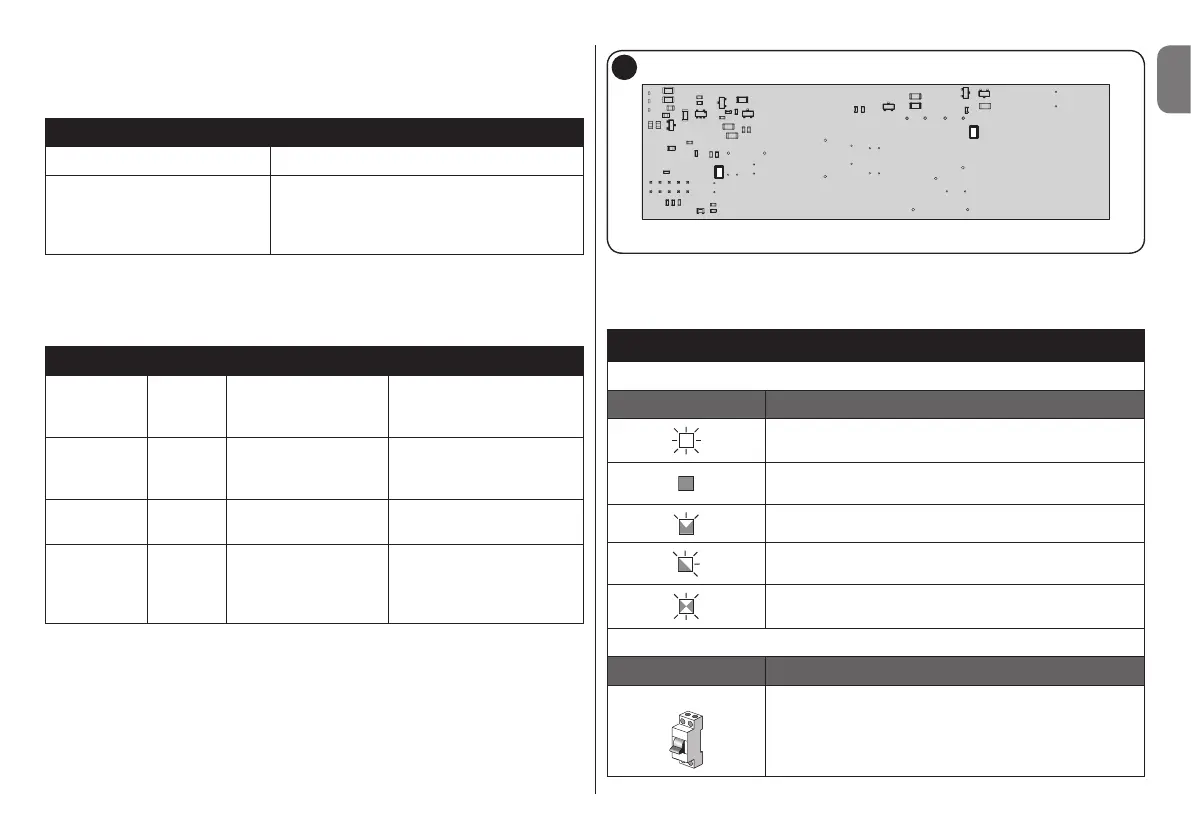
4.2 - LED (Fig. 5)
The LED on the lower part of the TTD0110 sends various signals in the
programming procedures and some general signals:
Flashes Colour Execution Description
6 green
at the end of a
transmitter memori-
sation procedure
the memory is full:
the transmitter
cannot be memorised
2 green
when the dimmer is
powered
its memory is empty
(= no transmitter
memorised)
2 red
during any program-
ming procedure
an error was
committed
on
fixed
blue
it comes on when
the power supply
unit /driver is acti-
vated
voltage to terminals
5 and 4
5
In this manual the programming procedures are explained with the use
of icons and their meanings are shown in the table below:
KEY
LED: behaviour during the programming procedures
Symbol Description
ON
OFF
LONG ashing
SHORT ashing
FAST ashing
other symbols
Symbol Description
DISCONNECT POWER
LED red / green
LED blue


 To Next Page