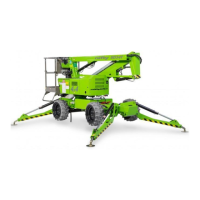
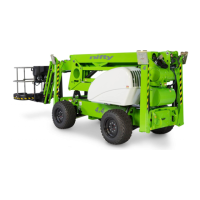
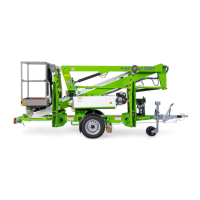
SP Series
Operating & Safety Instructions
USA – 11/14
Original instructions
The control system has
detected an error in the
communication between the
base and basket
Check that there is around 60Ohms
between CANH and CANL anywhere on
the network
Check there are no short circuits
between CANH and CANL anywhere on
the network
Check the address dials are set
correctly
Error on one of the analogue
inputs to the basket PLC
Check screen for further fault codes
Diagnose further using the service tool
Basket Weigh Channel 1
Disconnected
The channel 1 basket weigh
module is disconnected or
faulty
Check the module is connected
Check the wiring from the basket panel
to the module
Basket Weigh Channel 2
Disconnected
The channel 2 basket weigh
module is disconnected or
faulty
Check the module is connected
Check the wiring from the basket panel
to the module
The tilt sensor is disconnected
or faulty
Check the sensor is connected
Check the wiring from the base box to
the sensor
Switch inputs to the PLC do not
oppose or switch in sync
Check wiring between switch and PLC
Check switch operation
Switch inputs to the PLC do not
oppose or switch in sync
Check wiring between switch and PLC
Check switch operation
Error on one of the inputs or
outputs of the cage PLC
Check screen for further fault codes
Diagnose further using the service tool
The base PLC is not receiving
the cage node's 'present' signal
Check the power supply to the cage
node
Check the CANBus connections from
the cage panel to the cage node
Parameters do not match or
incompatible selections have
been made
Check on service tool that parameters
are the same for base and cage
Check that only one type of machine is
selected (e.g. Hybrid, Diesel or
Electric)
Serial numbers in base and
cage PLCs do not match
Fit correct PLCs
Change serial number in PLCs
Basket Weigh inputs to the PLC
do not oppose or switch in
sync
Check wiring between basket weigh
PCB and PLC
Check basket weigh PCB operation


 To Next Page