EasyManua.ls Logo

Nightfox SWIFT 2 - Night Filter Setting; IR Settings Configuration; Autohide Icons; Format SD Card

Default Icon
85 pages
Print Icon
To Next Page IconTo Next Page
To Previous Page IconTo Previous Page
Loading...
12
14. Memory card (Swift 2 Pro only)
The Swift 2 Pro comes with a class 10 Micro SD 32GB
memory card pre-installed.
The Swift 2 Pro can take a card between 4GB and 256GB
capacity.
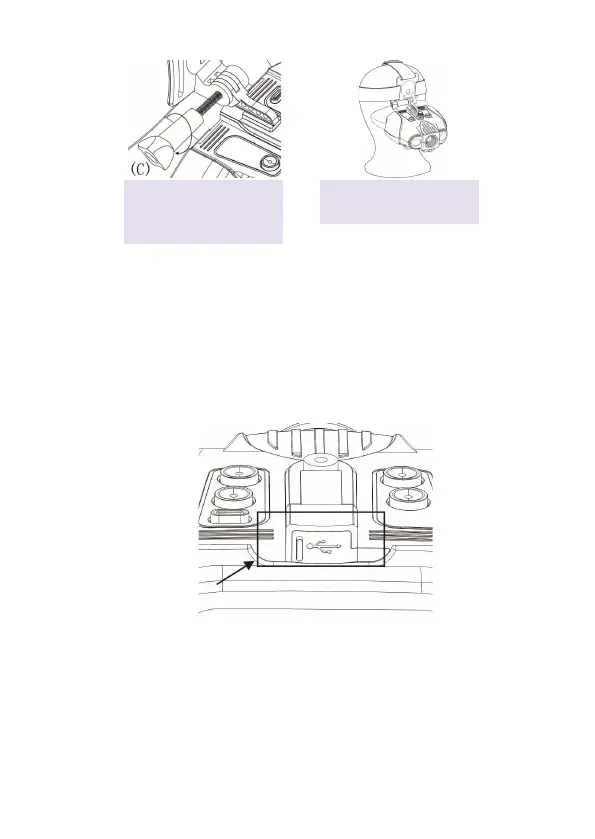
To un-install or re-install the memory card, open the USB
cover:
To remove the memory card, push the memory card in to
release it and allow it to pop out.

Secure using piece (C),
turning clockwise to
tighten.
Your goggles are ready to
use.
5.
6.

Table of Contents

Related product manuals