5
4. Powering on and off
• Press and hold POWER/▼ for two seconds to turn the Swift 2
on and off.
5. Adjusting the IR, Exposure and Backlight levels
• The Swift 2 allows quick adjustment of the:
o Infrared (IR): A higher number means a brighter LED, and
therefore a better viewing range – but keeping the
number lower improves battery life (see section 6).
Note: when set to “IR:OFF”, the Swift 2 can be used in
daylight, while the Swift 2 Pro can also record daylit
footage. This is different to "IR:0", the setting named
"Lunarsight" (see section 6). Additional levels range from
1 to 5.
o Exposure: This adjusts the sensitivity of the lens. A
higher value is better for dark environments. Levels
range from -2 to 3.
o Backlight: This adjusts the brightness of the LCD screen.
Levels range from 1 to 5.
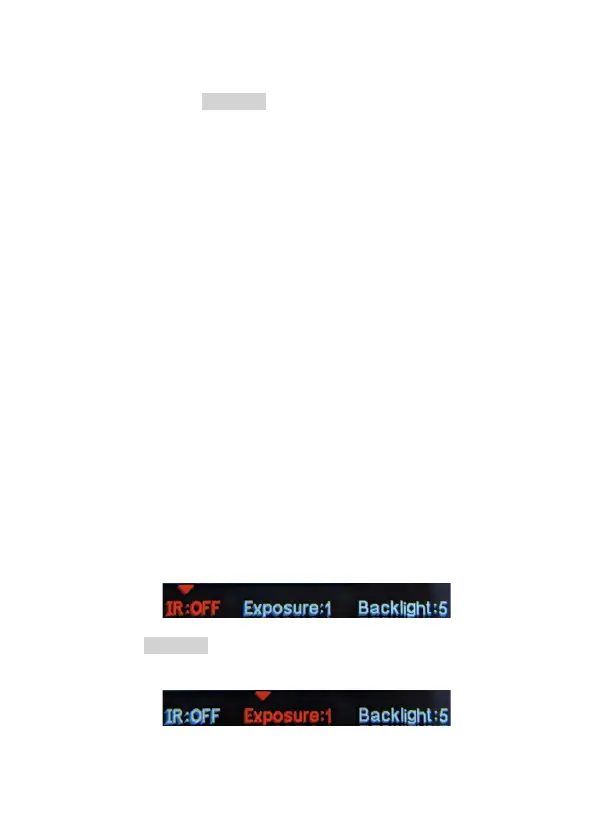
• At the bottom of the LCD screen, the ▼ icon and red text
indicate which feature is currently selected:
• Press POWER/▼ to switch between adjusting Infrared,
Exposure and Backlight levels:



 To Next Page