EasyManua.ls Logo

Nightfox SWIFT 2 - Downloading Videos to a Computer

Default Icon
85 pages
Print Icon
To Next Page IconTo Next Page
To Previous Page IconTo Previous Page
Loading...
13
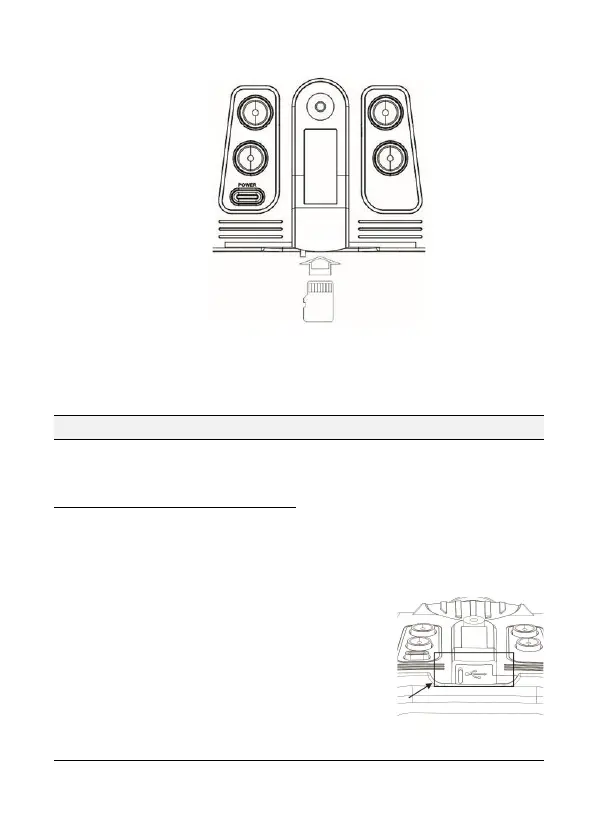
Re-insert memory card with the gold pins facing up:
Push the memory card in until it clicks into place.
15. Troubleshooting
Issue
Possible cause
Action
Unit does
not power
on
Insufficient battery
power
Plug the unit in and leave to charge
even if nothing shows on the
screen. After an hour has passed, try
turning on again.
Reset the unit by pushing a pin
through the
reset hole
and holding
for 3
seconds. The
reset hole is
located next
to the USB
connection
and Micro SD card:
Unit has
frozen and
does not
respond
when any
buttons are
pressed
The firmware has
experienced a bug, or
the battery is
insufficiently charged

Table of Contents

Related product manuals